Someone needs help
“My application was denied. What can I do next?”
A question that needs a clear, useful answer.For public-sector and regulated teams
Help people find answers, turn incoming documents into usable information, and hand work to staff with the context they need. AdaptCX connects these everyday steps while keeping your team in charge of the decisions.
Someone needs help
“My application was denied. What can I do next?”
A question that needs a clear, useful answer.Your knowledge provides context
Find the relevant guidance and keep its source attached.
A next step, with someone available to help
“I can explain the appeal process and connect you with someone who can review your situation.”
AdaptCX builds on an earlier, smaller version. The expanded platform has not yet been deployed in full at a customer site.
Follow a request from the first question to a source-backed response, with your team involved when needed.
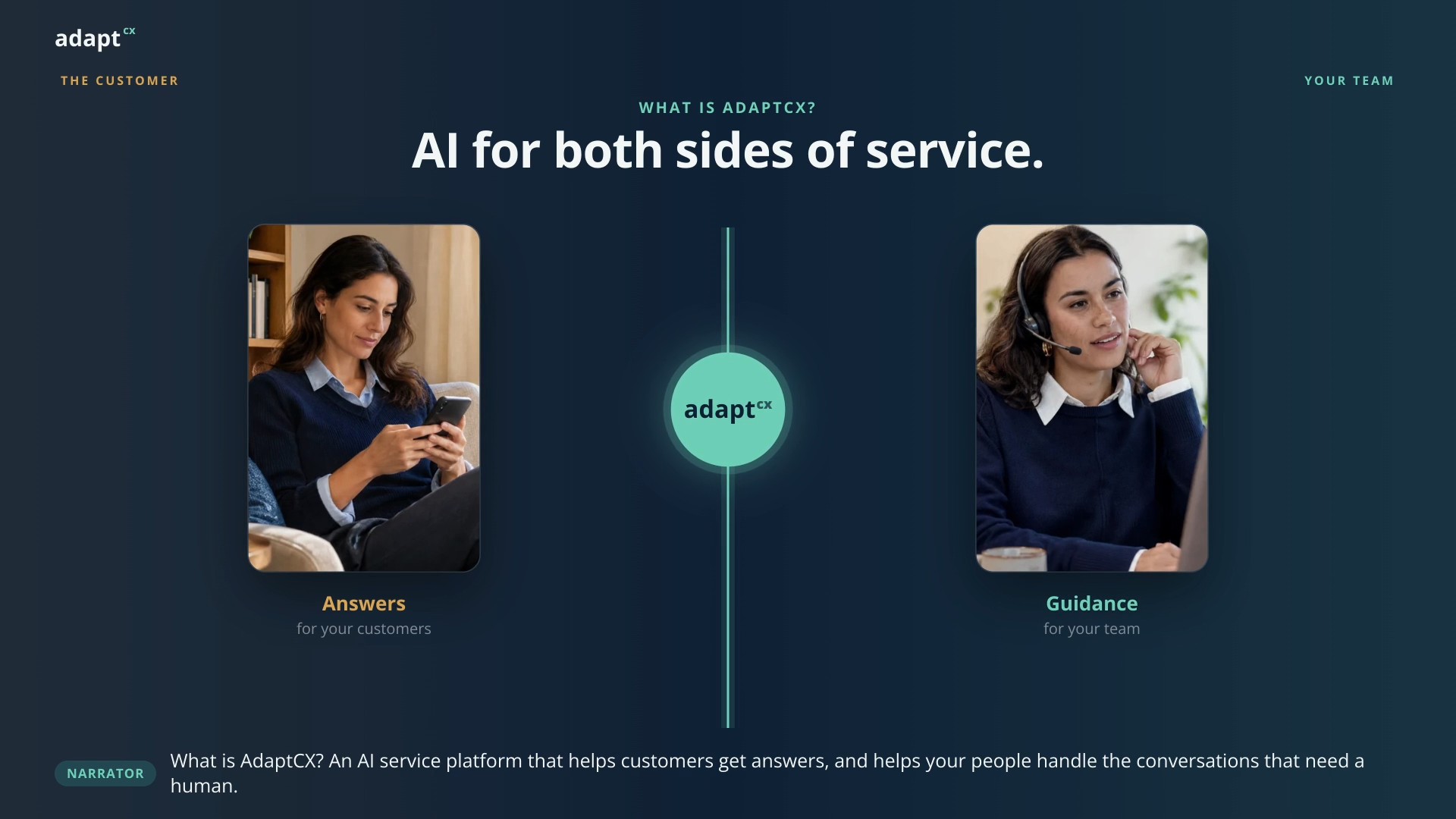 A question. Its context. The next step.1:30 · Watch video
Watch video · 1:30
Narrator: What is AdaptCX? An AI service platform that helps customers get answers, and helps your people handle the conversations that need a human. Narrator: Think about a simple question: What do I need to submit? The answer may exist, but the customer still has to find it. Narrator: AdaptCX starts with a Virtual Assistant. It turns your approved information into a conversation, on the web, by phone, or through text. Maya: What do I need for this application? Virtual Assistant: Here is the application checklist, with the guide behind it. You can review the requirements here. Maya: One document uses my previous name. What should I do? Narrator: When the question needs a person, the conversation and its context can go with it. The employee sees what has already been discussed. Narrator: Agent Assist supports that employee with relevant guidance during the conversation. The agent checks the source and explains the next step. Narrator: That is the idea: help the customer before the handoff, and help the employee after it. Two sides of service. One platform: AdaptCX. Narrator: For document-heavy work, optional add-ons include Fax AI, Document AI, and Digital Appeals. Your team chooses what it needs. Narrator: AdaptCX. Put AI to work. Keep your team in control. Let us show you a journey from your organization.
When a conversation becomes part of an official record, the details matter. AdaptCX’s architecture brings together source-backed guidance, tenant isolation and reviewable activity. Those same capabilities can help commercial teams manage customer requests, maintain consistent information and understand how work was handled.
AdaptCX is for teams handling benefits questions, patient requests and disputed decisions. Connect useful answers with clear processes and records your staff can review.
Help residents find the right service, understand requirements and reach the appropriate agency.
Explore GovernmentSupport member questions, intake, and patient communication, with human review and data-handling requirements integrated into the business process.
Explore HealthcareLink intake, hearings, appeals and supporting records so authorized staff can review how a case was handled.
Explore LegalSupport routine banking and insurance questions, and route requests needing closer review to staff.
Explore FinanceHelp students find information about registration, financial aid and campus services, with staff handling complex questions.
Explore EducationHelp customers report service issues, find outage information and reach the right water, power or public works team.
Explore Utilities NewSupport customer requests in retail, hospitality, SaaS and telecom, with permissions and controls suited to your business.
Explore the PlatformThe AI Engagement Hub connects web chat, voice, SMS, email and Teams with approved knowledge, workflow rules and staff handoffs.
Virtual Assistant, Assist and Digital Appeals & Records share this foundation, helping staff follow a request without piecing together separate conversations.
Explore the HubIllustrative workflow. Available steps depend on your integrations and configuration.
Bring conversations, documents and records into connected workflows. AdaptCX gives your team a shared foundation for helping people, handling requests and reviewing what happened along the way.
Connected workflows. Shared records. A defined tenant boundary.
Connect people to information via web chat, phone, and SMS. When the conversation takes human judgement, hand over the chat and the context to your team.
Explore Virtual Assistant AssistGive agents relevant suggestions, conversation summaries and quality-review support. Guidance draws on your approved knowledge and policies, helping agents respond without searching through disconnected resources.
Explore Assist Digital Appeals & RecordsCapture and transcribe hearings and disputed interactions. Preserve supporting context, track activity and prepare records for review, with configurable retention and access controls.
Explore Digital Appeals & Records FAX AIIdentify incoming fax document types, extract relevant information and route documents for staff review.
Explore Fax AI DOCUMENT AIClassify forms, claims and letters, extract relevant details and flag unclear information for review.
Explore Document AI Sovereign Deployment ON GOOGLEEvaluate deployment in your own Google Cloud project, with data flows and access controls defined for your environment.
Explore Sovereign DeploymentPeople reach you by phone, chat, email and SMS. Supporting information may arrive by fax, scanned document or in person. AdaptCX is designed to connect those inputs so your team can work from a more complete record.
Illustrative example
Assist brings relevant knowledge, case information and workflow guidance into the conversation. Agents can review suggestions against approved sources and decide what to do next.
Illustrative example
A useful record shows more than the final answer. It connects the original request, relevant sources, actions and handoffs. AdaptCX is designed to retain that context so authorized reviewers can examine how an interaction was handled.
Illustrative example
These examples describe intended workflows, not customer deployments or measured results.
Help people with routine claim-status questions, collect relevant context and route complex appeals to a person who can review the situation.
Answer common service questions and guide requests between departments, keeping the conversation’s context available to the team handling the next step.
Support questions about reservations, dining and loyalty programs. Bring staff into the conversation when a guest needs help beyond the available information.