Platform capability · flagship

One engine connecting conversations, documents and cases.

The AI Engagement Hub connects approved knowledge, available customer context and workflow rules across AdaptCX products, with people involved when a request needs judgment.

One reasoning surface. Not 9 separate AIs — one cognitive engine holding state across every capability.
Illustrative response workflow. All nine, under the same audit chain, the same identity model, the same compliance posture.
Voice, chat, email, fax, web. Every channel uses the same hub. Every channel writes to the same record.
Illustrative concept.
Watch the walkthrough

One engine, every engagement.

An illustrative benefits-appeal scenario showing how the AI Engagement Hub connects context, approved knowledge, staff guidance and human review.
One engine, every engagement.One engine, every engagement.1:19 · Watch video

Watch video · 1:19

Read the transcript

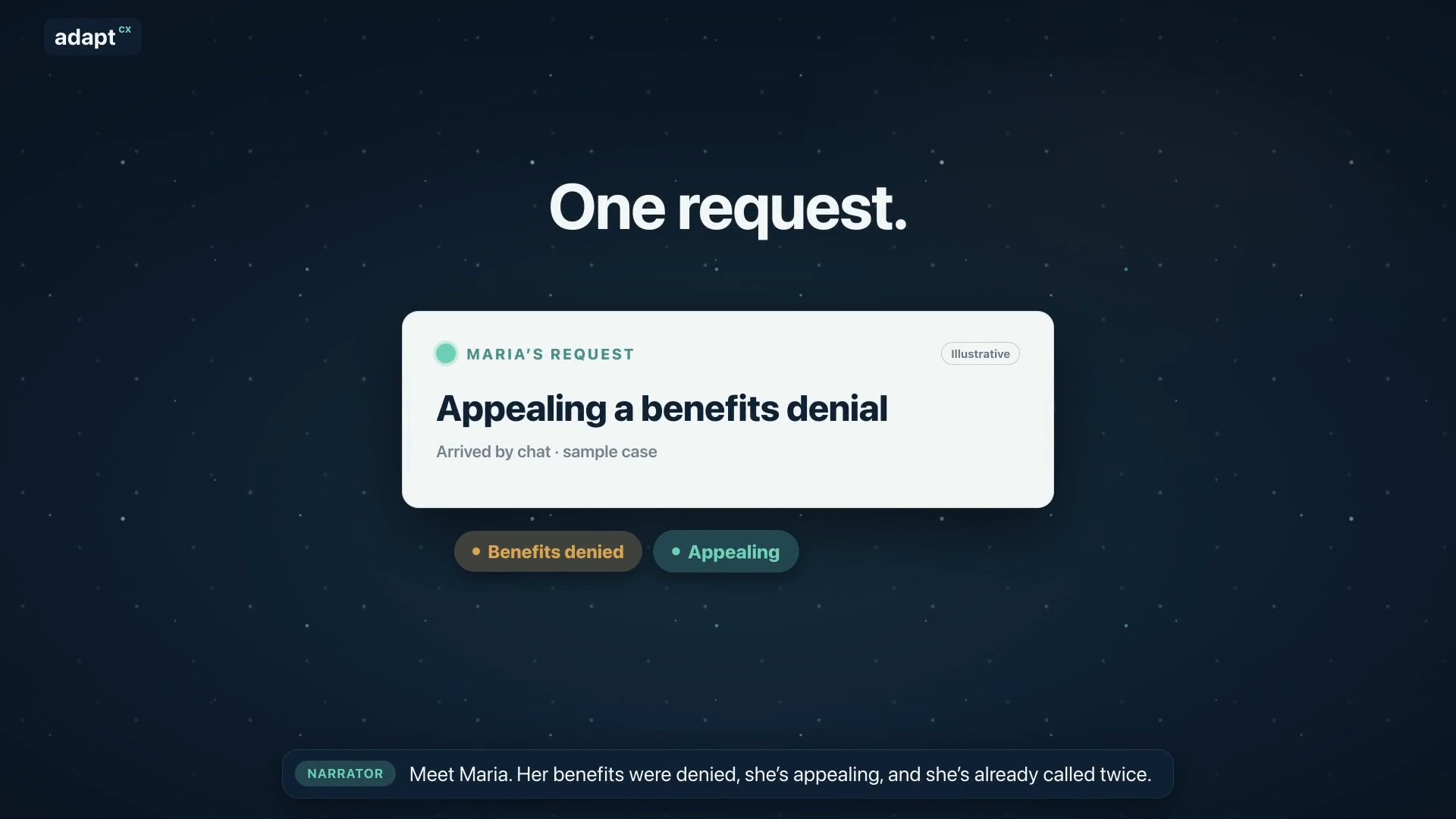
Narrator: Meet Maria. Her benefits were denied, she’s appealing, and she’s already called twice. Narrator: Usually, her request bounces between separate tools. AdaptCX runs it through one engine: the AI Engagement Hub. Narrator: First, it gets her request to the right team. Narrator: It remembers her whole story, from her claim to today’s chat. Narrator: Maria is frustrated, so it reminds the agent: listen first, then explain. Narrator: It finds the exact rule that applies, with the source. Narrator: It spots that her deadline is close, and flags it for staff. Narrator: It notices she’s called three times this week, a sign to follow up. Narrator: It helps supervisors see when the team is stretched. Narrator: Answers that work become guides your experts approve. Narrator: And when many people call about the same letter, it shows where to look. Narrator: One login. One audit trail. One record. Nine capabilities, one system. Narrator: AdaptCX AI Engagement Hub. One engine, every engagement.

One engine, every engagement.

An illustrative benefits-appeal scenario showing how the AI Engagement Hub connects context, approved knowledge, staff guidance and human review.

ONE CONVERSATION. MORE CONTEXT.

The customer shouldn’t have to
connect the dots.

A question becomes a conversation. A conversation needs a document. A person needs to step in. The Hub keeps relevant knowledge, context and workflow guidance connected as the work moves.

Conversations↔Knowledge↔AI Engagement Hub↔Workflows↔People
SEE THE CONNECTION

“I already sent
that document.”

A familiar service moment. Explore what changes when the next response starts with context.Illustrative experience · fictional records and guidance � Record access and handoffs depend on configured verification, permissions and workflow.

UNDERSTAND

Start with what’s already known.

Marcus is asking about a missing document. Relevant history and an approved source help the assistant respond to the actual question, not restart the conversation.

RequestDocument receipt
ContextPrior upload + open question
Next stepClarify, then route if needed
VIRTUAL ASSISTANTEXAMPLE · C-1048
I already sent that document. Why are you asking again?
I can see a document was received. Let’s check which item the notice is asking for.
Source beside the suggestionApproved document-intake guidance · current version
GUIDE

The handoff carries the story.

When Marcus asks for a person, the agent starts with the question and relevant context. Guidance stays beside the conversation, including the steps that need attention.

The Hub supports the response. The agent reviews the source and chooses what to do next.

AGENT WORKSPACEEXAMPLE · C-1048

Marcus needs help with a document request.

→
Handoff summary

Prior upload found. Question about the new notice remains open.

◎
Recommended check

Compare the requested item with the received document.

!
Before discussing account details

Complete the required identity check.

Agent review required
IMPROVE

Fix the confusion behind the calls.

Repeated questions can point to unclear guidance. Supervisors review the pattern; subject experts decide whether a notice, answer or playbook needs to change.

SignalRepeated document questions
ReviewNotice wording + guidance
ChangeExpert approval first
OPERATIONS REVIEWILLUSTRATIVE PATTERN

“Was my document received?”

Similar questions suggest the receipt message may need a clearer explanation of the next step.

→
Proposed guidance update

Distinguish “received” from “reviewed” and explain who handles the next step.

Publish only after reviewSubject expert → approved version → staff guidance
Draft · not yet published

The same request, carried forward. Your staff stays in control of the decision.

NINE CAPABILITIES. THREE PRACTICAL JOBS.

Less searching.
More understanding.

Different teams need different signals. The Hub brings them together around the work, rather than asking people to switch between disconnected tools.

Make the next step clear.

Recognize the request, retrieve the right source and retain the relevant history.

  • Request routing and context
  • Customer history
  • Knowledge lookup

Support the person in the moment.

Put guidance beside the conversation and surface what deserves attention.

  • Live coaching
  • Rule-based compliance alerts
  • Commercial signals, where relevant

Make the next interaction better.

Help supervisors and experts review patterns, workload and reusable guidance.

  • Team workload signals
  • Playbook review
  • Recurring issue patterns
HOW IT FITS

Shared intelligence.
Purpose-built solutions.

Virtual Assistant starts the conversation. Other AdaptCX solutions support the work when they are needed.

VoiceChatTextDocuments
adaptcx
AI Engagement Hub

Knowledge · Context · Workflow guidance

Identity & accessCase referencesReview recordsHuman approval

The connections and controls are scoped to your deployment and workflow. Explore the platform →

BUILT AROUND ACCOUNTABILITY

Helpful suggestions.
Accountable decisions.

In regulated work, the next step needs to be explainable. Put the source, the relevant context and the person responsible for review in the same conversation.

Explore trust and deployment →
Source

Know what informed the answer.

Use approved knowledge and show the reference beside the suggestion.

Scope

Keep access tied to the work.

Use configured identity and access rules to determine which context is available.

Review

Leave judgment with your people.

Route exceptions for staff review. Experts approve changes to reusable playbooks.

The Hub is part of AdaptCX’s expanded platform. Read what is proven and what is new →
Product videos

Explore more product videos.

Every appeal, from packet to decision.

Every appeal, from packet to decision.

An illustrative appeals workflow covering intake, case preparation, hearing support and an officer-reviewed decision.

Read the transcript

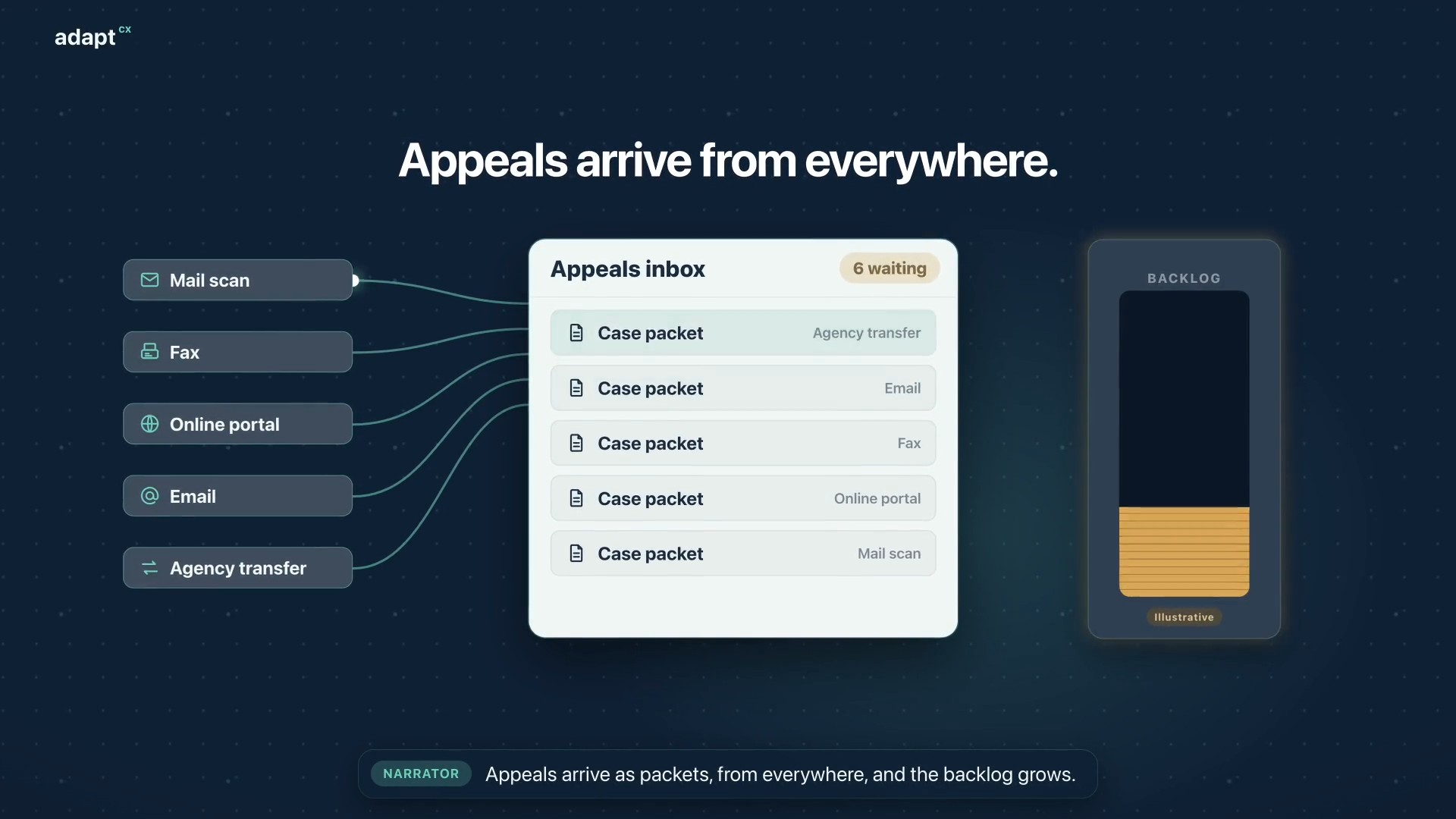
Narrator: Appeals arrive as packets, from everywhere, and the backlog grows. Narrator: At intake, AI analysis builds a summary, flags missing documents and red flags, and sets the case type. Narrator: Then it creates the appeal case, and assigns the best available officer. Narrator: The officer reviews everything before the hearing begins. Narrator: Participants dial in, or the officer calls each one. The oath is administered, and they join the hearing. Narrator: During the hearing, the officer gets a live transcript, Assist, and Mentor, surfacing the statutes and limitations that apply. Narrator: Afterward, the officer reviews the summary and the AI draft, then accepts, changes, or rejects it. The decision is the officer’s. Narrator: Faster decisions. A smaller backlog. Narrator: AdaptCX Digital Appeals. Every appeal, from packet to decision.

Every appeal, from packet to decision.

Assist setup: Five steps to smarter agents.

Assist setup: Five steps to smarter agents.

An illustrative setup walkthrough covering a knowledge collection, source indexing, scheduled refresh and queue connections for Assist.

Read the transcript

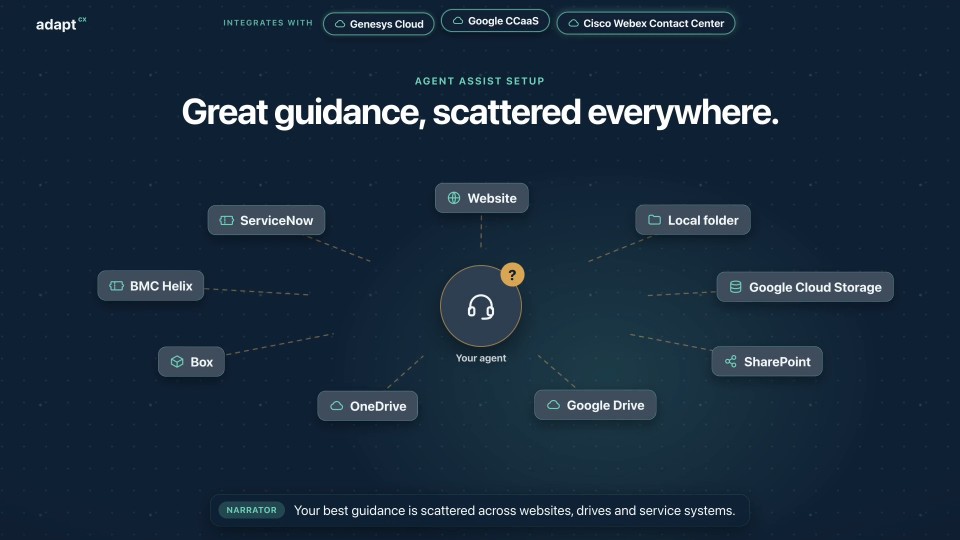
Narrator: Your best guidance is scattered across websites, drives and service systems. Narrator: Step one. In the Operations portal, create a knowledge collection. Narrator: Step two. Add sources: web pages, files, cloud storage, and the systems your teams already use. Narrator: Step three. Index them. Narrator: Step four. Schedule a refresh, so answers stay current. Narrator: Step five. In the Assist portal, connect it to your queues, or to all of them. Narrator: That's it. Calls and chats routed to your agents now get guidance and coaching from your collection. Narrator: AdaptCX Assist. Set up once. Helpful on every call.

Assist setup: Five steps to smarter agents.

Right beside every agent.

Right beside every agent.

An illustrative benefits contact-center workflow showing Assist guidance, source references, agent notices and post-call review.

Read the transcript

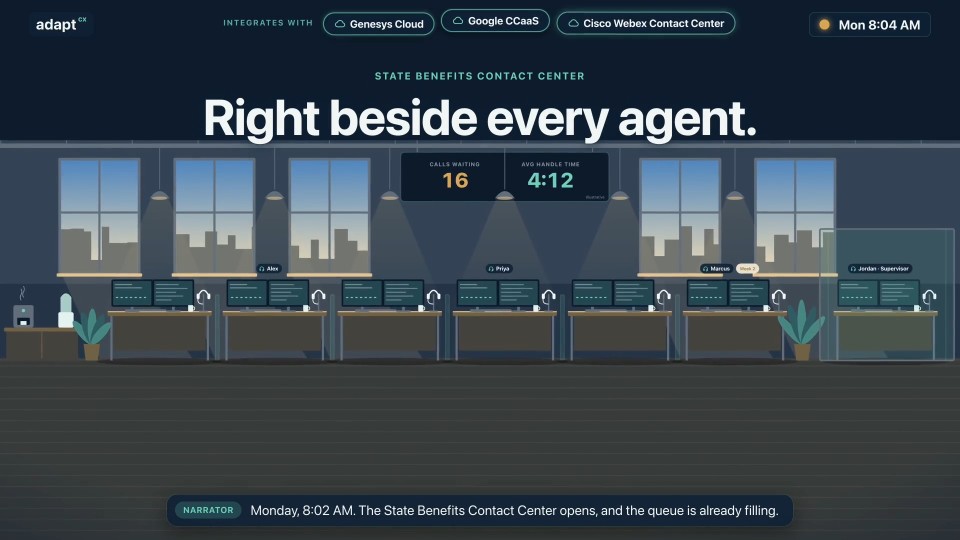
Narrator: Monday, 8:02 AM. The State Benefits Contact Center opens, and the queue is already filling. Caller: I want to appeal my decision. What do I include? Narrator: Assist puts the guidance beside Alex, with its source. Agent · Alex: Include your case reference and your reason for review. Your deadline is on your notice. Caller: My payment didn't come. When will it arrive? Narrator: A nudge reminds Priya of the notice she must read. Agent · Priya: First, I need to read you the payment-hold notice. Caller: Can I work part-time while my claim is open? Narrator: Week two for Marcus, and the right answer is within reach. Agent · Marcus: Yes. Report your hours each week, and we'll adjust your payment. Narrator: When calls end, the summaries are already written. Narrator: Jordan reviews flagged calls and coaches. Approved playbooks reach every desk. Narrator: Every desk. Every call. The right guidance, right beside them. Narrator: AdaptCX Assist. A coach in every agent's ear.

Right beside every agent.

Watch more

See it in action

See a workflow like yours using sample data.

Discuss a workflow like yours using sample data. Review the relevant capabilities, sources, staff decisions and implementation requirements.