Resources

Product videos.

Watch narrated AdaptCX product walkthroughs. Explore the workflows, follow the handoffs and see where people stay involved.

Illustrative concept.
Product walkthroughs

Find a workflow to explore.

One engine, every engagement.

One engine, every engagement.

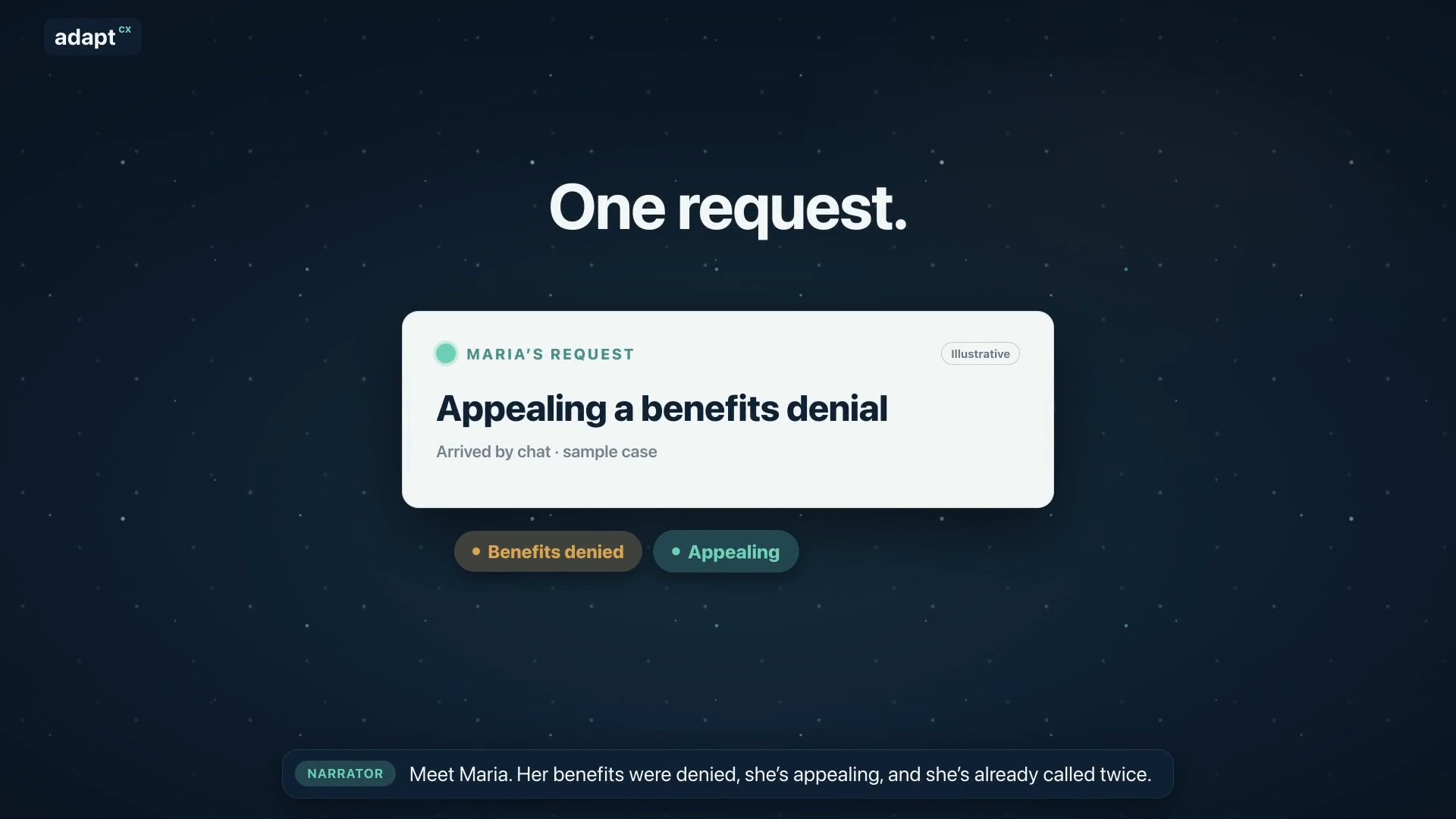
An illustrative benefits-appeal scenario showing how the AI Engagement Hub connects context, approved knowledge, staff guidance and human review.

Read the transcript

Narrator: Meet Maria. Her benefits were denied, she’s appealing, and she’s already called twice. Narrator: Usually, her request bounces between separate tools. AdaptCX runs it through one engine: the AI Engagement Hub. Narrator: First, it gets her request to the right team. Narrator: It remembers her whole story, from her claim to today’s chat. Narrator: Maria is frustrated, so it reminds the agent: listen first, then explain. Narrator: It finds the exact rule that applies, with the source. Narrator: It spots that her deadline is close, and flags it for staff. Narrator: It notices she’s called three times this week, a sign to follow up. Narrator: It helps supervisors see when the team is stretched. Narrator: Answers that work become guides your experts approve. Narrator: And when many people call about the same letter, it shows where to look. Narrator: One login. One audit trail. One record. Nine capabilities, one system. Narrator: AdaptCX AI Engagement Hub. One engine, every engagement.

One engine, every engagement.

Every appeal, from packet to decision.
Every appeal, from packet to decision.

An illustrative appeals workflow covering intake, case preparation, hearing support and an officer-reviewed decision.

Read the transcript

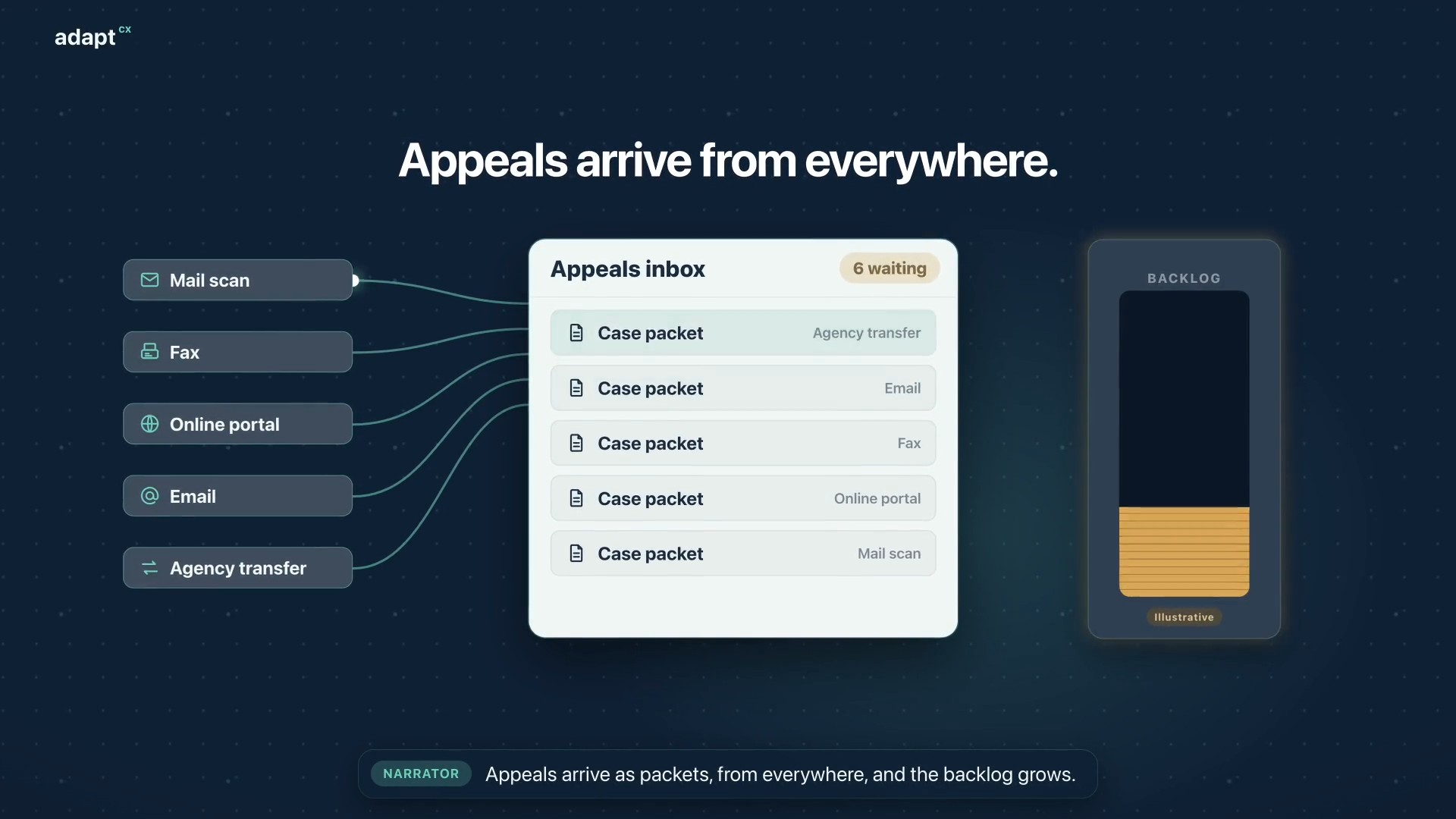
Narrator: Appeals arrive as packets, from everywhere, and the backlog grows. Narrator: At intake, AI analysis builds a summary, flags missing documents and red flags, and sets the case type. Narrator: Then it creates the appeal case, and assigns the best available officer. Narrator: The officer reviews everything before the hearing begins. Narrator: Participants dial in, or the officer calls each one. The oath is administered, and they join the hearing. Narrator: During the hearing, the officer gets a live transcript, Assist, and Mentor, surfacing the statutes and limitations that apply. Narrator: Afterward, the officer reviews the summary and the AI draft, then accepts, changes, or rejects it. The decision is the officer’s. Narrator: Faster decisions. A smaller backlog. Narrator: AdaptCX Digital Appeals. Every appeal, from packet to decision.

Every appeal, from packet to decision.

Assist setup: Five steps to smarter agents.
Assist setup: Five steps to smarter agents.

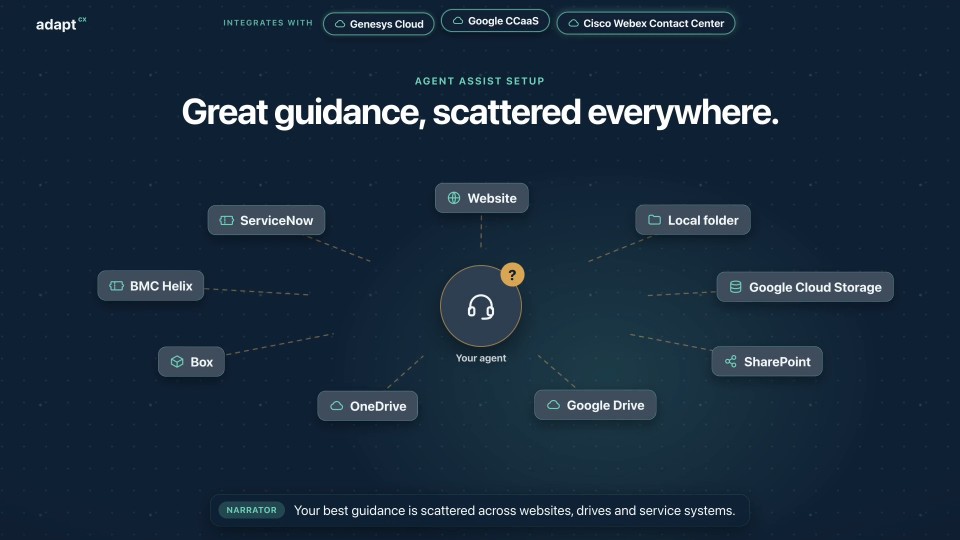
An illustrative setup walkthrough covering a knowledge collection, source indexing, scheduled refresh and queue connections for Assist.

Read the transcript

Narrator: Your best guidance is scattered across websites, drives and service systems. Narrator: Step one. In the Operations portal, create a knowledge collection. Narrator: Step two. Add sources: web pages, files, cloud storage, and the systems your teams already use. Narrator: Step three. Index them. Narrator: Step four. Schedule a refresh, so answers stay current. Narrator: Step five. In the Assist portal, connect it to your queues, or to all of them. Narrator: That's it. Calls and chats routed to your agents now get guidance and coaching from your collection. Narrator: AdaptCX Assist. Set up once. Helpful on every call.

Assist setup: Five steps to smarter agents.

Right beside every agent.
Right beside every agent.

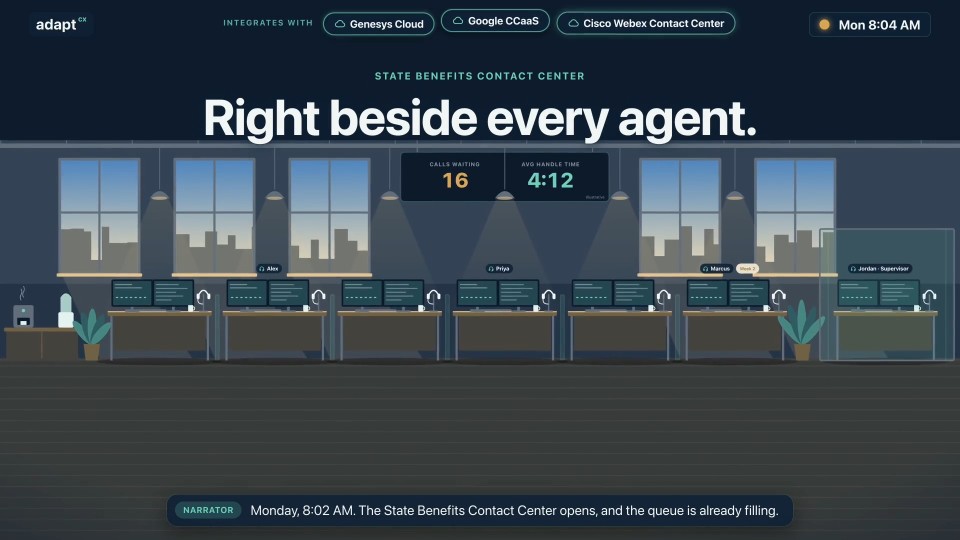
An illustrative benefits contact-center workflow showing Assist guidance, source references, agent notices and post-call review.

Read the transcript

Narrator: Monday, 8:02 AM. The State Benefits Contact Center opens, and the queue is already filling. Caller: I want to appeal my decision. What do I include? Narrator: Assist puts the guidance beside Alex, with its source. Agent · Alex: Include your case reference and your reason for review. Your deadline is on your notice. Caller: My payment didn't come. When will it arrive? Narrator: A nudge reminds Priya of the notice she must read. Agent · Priya: First, I need to read you the payment-hold notice. Caller: Can I work part-time while my claim is open? Narrator: Week two for Marcus, and the right answer is within reach. Agent · Marcus: Yes. Report your hours each week, and we'll adjust your payment. Narrator: When calls end, the summaries are already written. Narrator: Jordan reviews flagged calls and coaches. Approved playbooks reach every desk. Narrator: Every desk. Every call. The right guidance, right beside them. Narrator: AdaptCX Assist. A coach in every agent's ear.

Right beside every agent.

Every page, to the right place.
Every page, to the right place.

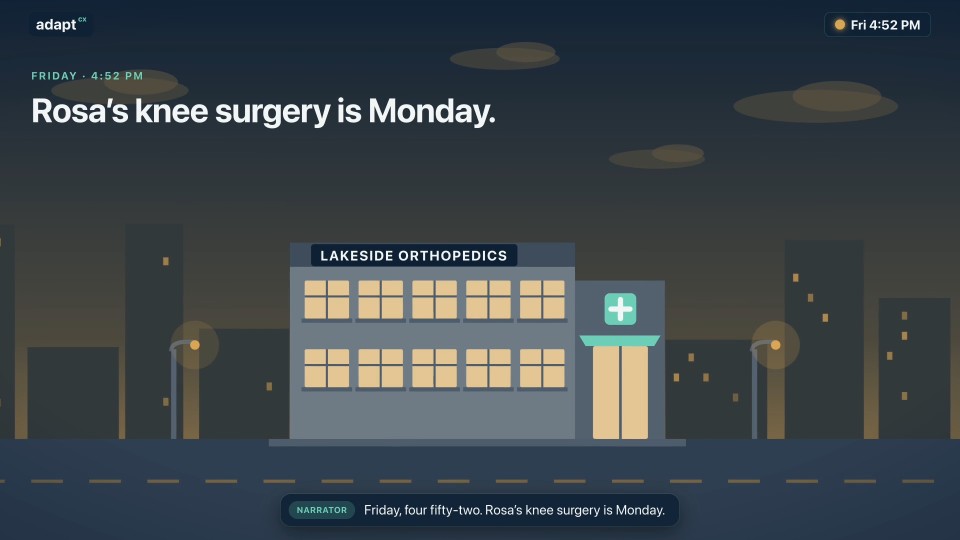
An illustrative prior-authorization fax scenario, with source review and configured routing to a clinical queue.

Read the transcript

Narrator: Friday, four fifty-two. Rosa's knee surgery is Monday. Narrator: Her clinic faxes the prior authorization to her health plan. Narrator: Eleven pages. One crooked. A member ID written by hand. Narrator: On a Friday, it sits in the pile until Tuesday. Narrator: Meet AdaptCX Fax AI. Narrator: It identifies the document, and extracts the fields your team needs. Narrator: The handwritten member ID isn't clear, so it's flagged beside the original page. Narrator: Nurse reviewer Priya checks the source, and confirms it. Narrator: Routing rules send it to urgent clinical review, with the original fax and its history attached. Narrator: And a faxback tells the clinic it arrived. Narrator: Saturday, the clinical team reviews it. Monday morning, Rosa's surgery goes ahead. Narrator: Less rekeying. Clearer handoffs. Nothing lost in the pile. Narrator: AdaptCX Fax AI. Every page, to the right place.

Every page, to the right place.

One agency. Every voice.
One agency. Every voice.

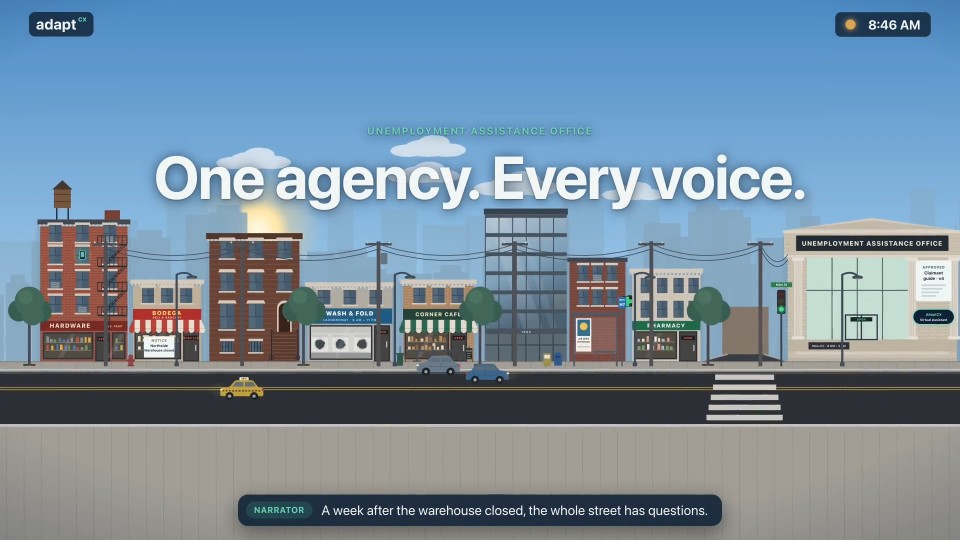
An illustrative multilingual agency workflow, with questions and responses in English, Spanish and Haitian Creole.

Read the transcript

Narrator: A week after the warehouse closed, the whole street has questions. Narrator: They call the unemployment office, in their own language. Caller: How do I file for unemployment? Assistant: You can file online or by phone. Have your last employer's details ready. Caller: ¿Cómo veo el estado de mi solicitud? Assistant: Puede verlo en línea en cualquier momento, con su número de solicitud. Caller: Èske mwen ka fè demann lan an kreyòl? Assistant: Wi. Ou ka fè tout demann lan an kreyòl. Narrator: At rush hour, the questions pour in. The Virtual Assistant answers every one, from the same approved guide. Narrator: And at midnight, when the office is closed, it's still there. Caller: ¿Tengo que buscar trabajo cada semana? Assistant: Sí. Registre su búsqueda de trabajo cada semana en línea. Narrator: Day or night. English, Español, Kreyòl. One approved guide. Narrator: AdaptCX Virtual Assistant. Every voice, one agency.

One agency. Every voice.

Channel continuity: One conversation, every channel.
Channel continuity: One conversation, every channel.

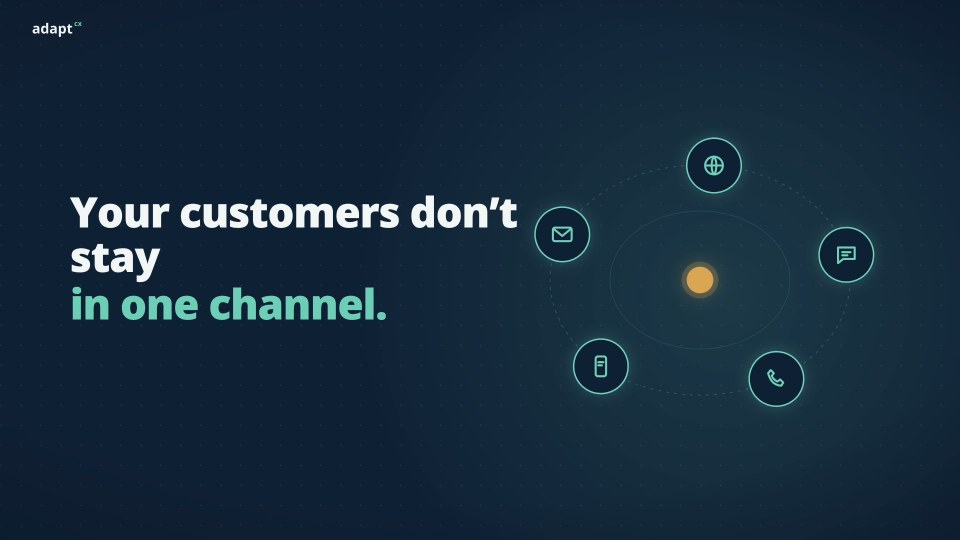
A narrated AdaptCX overview illustrating how conversation context can follow a request across chat, voice, text and a staff handoff.

Read the transcript

Narrator: Your customers move between channels all day. Narrator: But most systems make them start over every time they switch. Narrator: Repeat the account number. Repeat the problem. Start again. Narrator: What if the conversation followed them? Narrator: Meet AdaptCX. One conversation, across every channel. Narrator: Chat, voice, text, and back to voice. The request and its details travel with the customer. Narrator: Agents see everything that�s already happened, so customers repeat nothing. Narrator: Continuous. Contextual. In control. Narrator: AdaptCX. Change the channel, not the conversation. Book a walkthrough at adaptcx.ai.

Channel continuity: One conversation, every channel.

Where does your data go when AI answers?
Where does your data go when AI answers?

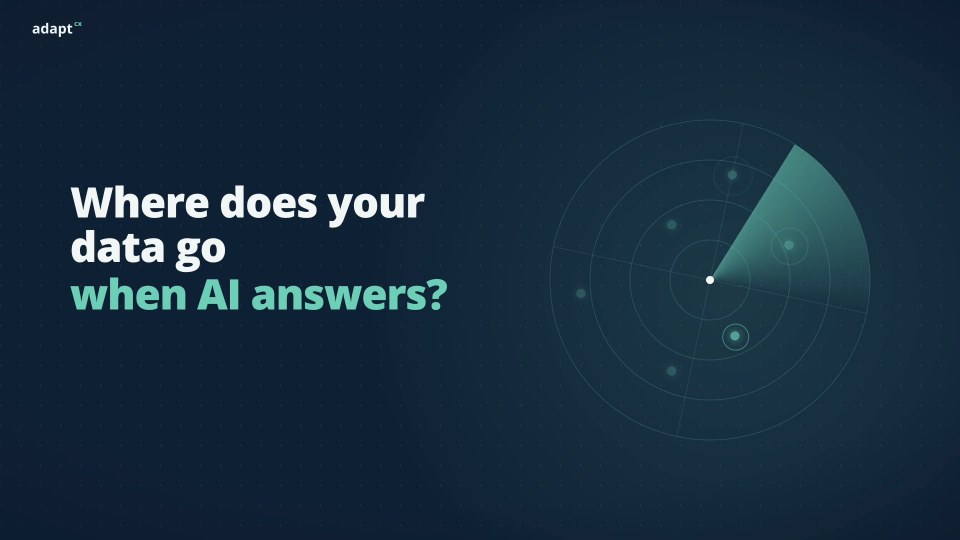
A narrated overview of AdaptCX Sovereign Deployment in your Google Cloud environment.

Read the transcript

Narrator: When AI answers your callers, where does your data go? Narrator: With most AI tools, it leaves. Out of your perimeter, into someone else's cloud. Narrator: Then the questions start. Where is it stored? Who holds the keys? Narrator: What if it never left? Narrator: Meet AdaptCX. With Sovereign Deployment, it runs inside your own Google Cloud. Narrator: Your network. Your encryption keys. Your audit logs. AdaptCX works inside all of it, on your terms. Narrator: Answers come from your approved sources. And when someone needs a person, your staff take over with the whole conversation. Narrator: It plugs into the contact center you already run. No rip and replace. Narrator: Sovereign. Source-backed. Reviewable. Narrator: AdaptCX. Put AI to work. Keep your data in control. Book a walkthrough at adaptcx.ai.

Where does your data go when AI answers?

Approved information at the start. Human support when it matters.

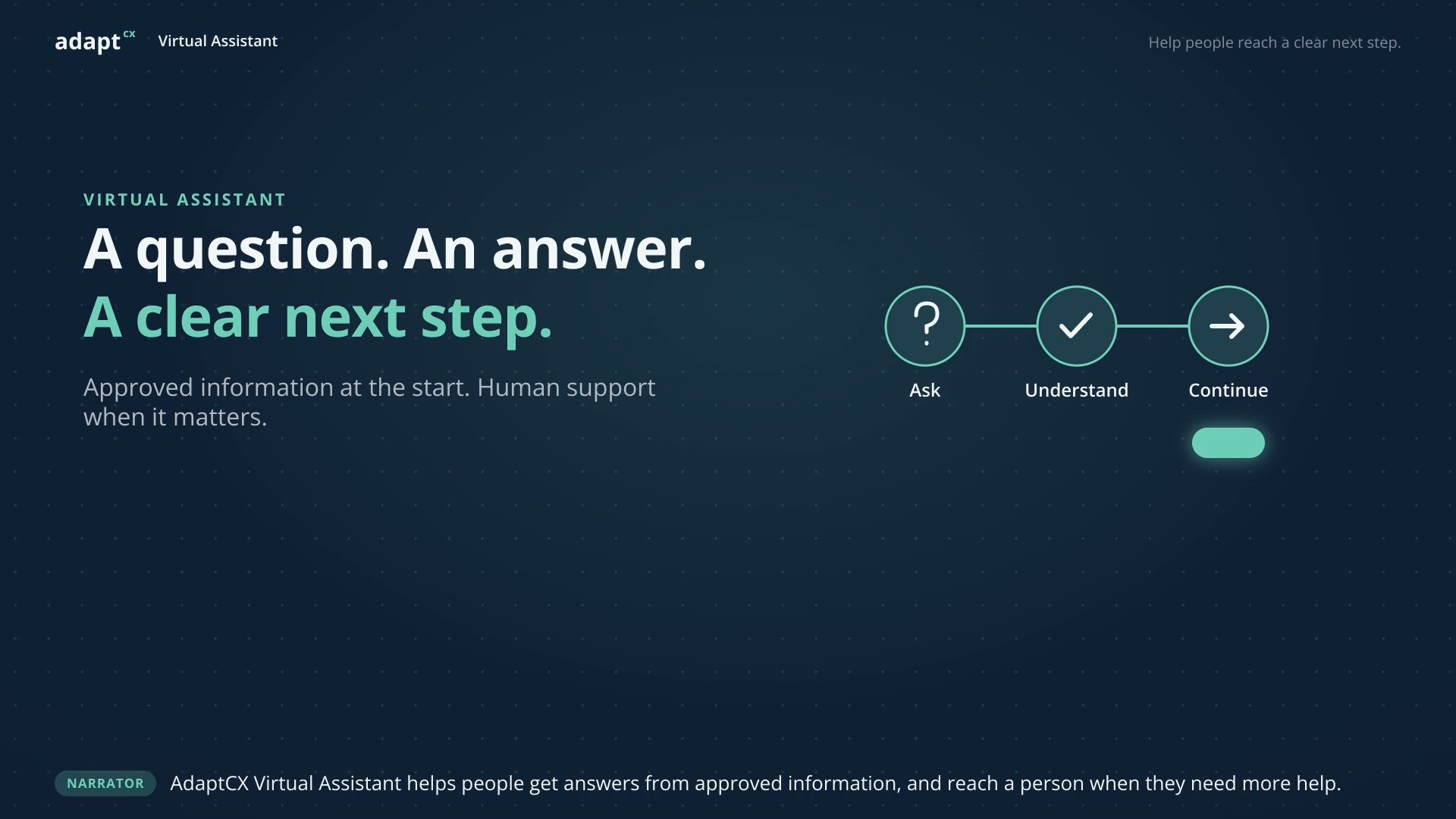
A question. An answer. A clear next step.
A narrated illustrative workflow showing approved guidance and a staff handoff, using a fictional service guide rather than personal records.

Read the transcript

Narrator: AdaptCX Virtual Assistant helps people get answers from approved information, and reach a person when they need more help. Maya: I’m preparing a service application. What should I include? Virtual Assistant: The application guide lists a completed form and the supporting documents for your request. Here is the checklist. Narrator: Maya can see the guidance behind the answer. This example uses a fictional service guide, not personal records. Maya: One of my documents has my previous name. Can I still submit it? Virtual Assistant: That needs a staff review. I can pass along your question and what we have discussed. Narrator: The conversation continues with Alex. The question, source, and unresolved issue are together, so the next person has context. Alex: Hi Maya. I see you have a document under your previous name. Let’s review the instructions for that situation together. Maya: Thank you. That is exactly what I needed help with. Narrator: A familiar question. Approved guidance. A thoughtful handoff. AdaptCX Virtual Assistant. Help people reach a clear next step.

A question. An answer. A clear next step.

Relevant guidance alongside the customer conversation.

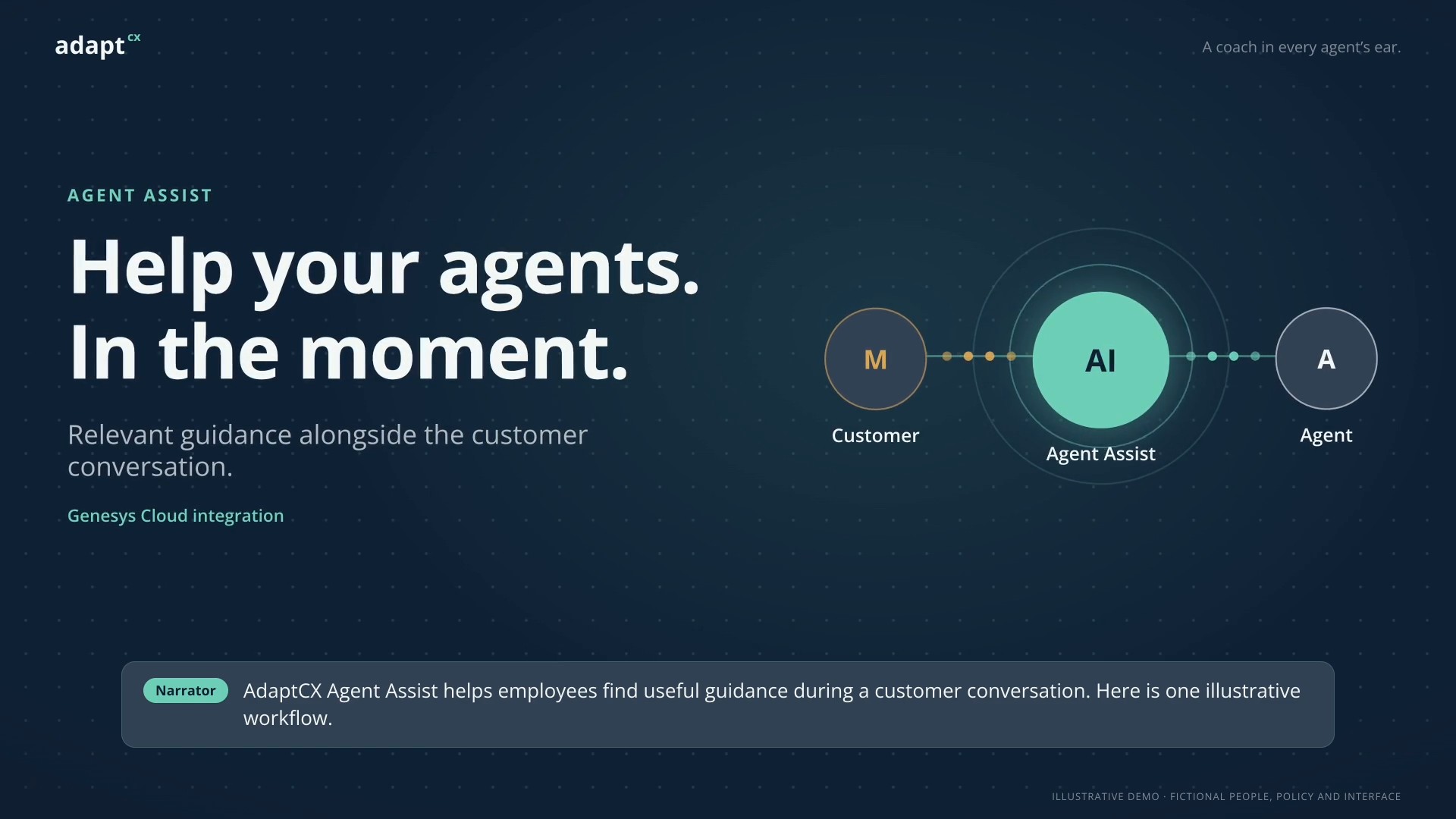
Help your agents. In the moment.

A narrated illustrative Assist workflow showing source-linked guidance and employee review during a customer conversation, using fictional people and policy.

Read the transcript

Narrator: AdaptCX Agent Assist helps employees find useful guidance during a customer conversation. Here is one illustrative workflow. Maya: I need to update my name and address. Which documents do I need? Narrator: As Maya explains her question, relevant guidance appears beside Alex’s conversation. Alex: I can see guidance for both updates. Let me check the source before I advise you. Narrator: Alex opens the source and reviews the instructions. The employee decides what applies. Alex: Are you changing just your address, or your legal name as well? Maya: Both. My name changed recently, and I have moved. Alex: Then use the combined update checklist. It explains the supporting documents and how to submit them for review. Maya: Thank you. Now I know where to start. Narrator: A customer question. Relevant guidance. Human review. A clear next step. AdaptCX Agent Assist. A coach in every agent’s ear.

Help your agents. In the moment.

Capture. Extract. Review. Route.

Incoming fax. Useful next step.

A narrated illustrative workflow showing incoming fax capture, field extraction, human review and configured routing with sample data.

Read the transcript

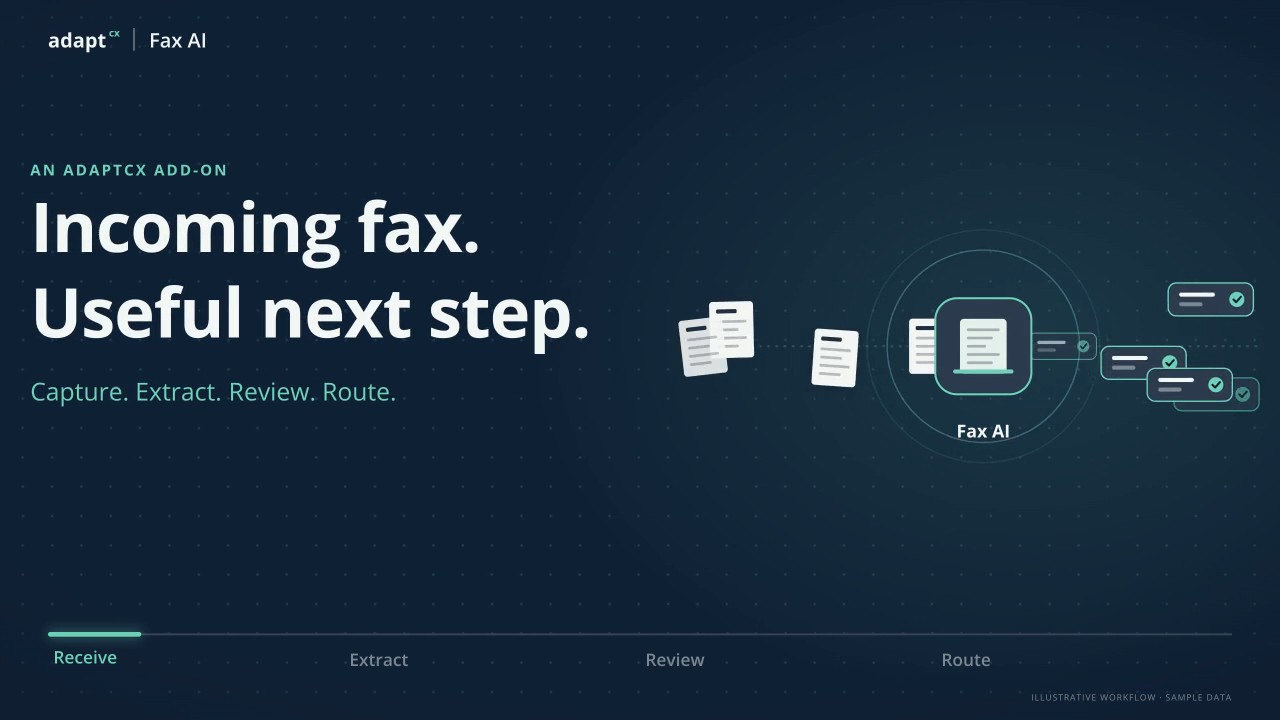
Narrator: AdaptCX Fax AI turns incoming faxes into information your team can review and route. Narrator: Keep the original fax and its intake details together. Narrator: Identify the document. Narrator: Extract the fields your team needs. Narrator: Unclear information gets a closer look. Narrator: A person checks the source. Narrator: Then configured routing rules send the reviewed record to the right queue, with its original fax and routing history. Narrator: Less rekeying. Narrator: Clearer handoffs. Narrator: That is AdaptCX Fax AI.

Incoming fax. Useful next step.

From pages to a reviewable packet.

Documents in. Clarity out.

A narrated illustrative healthcare intake workflow showing document extraction, exception review and handoff, with clinical decisions kept with the care team.

Read the transcript

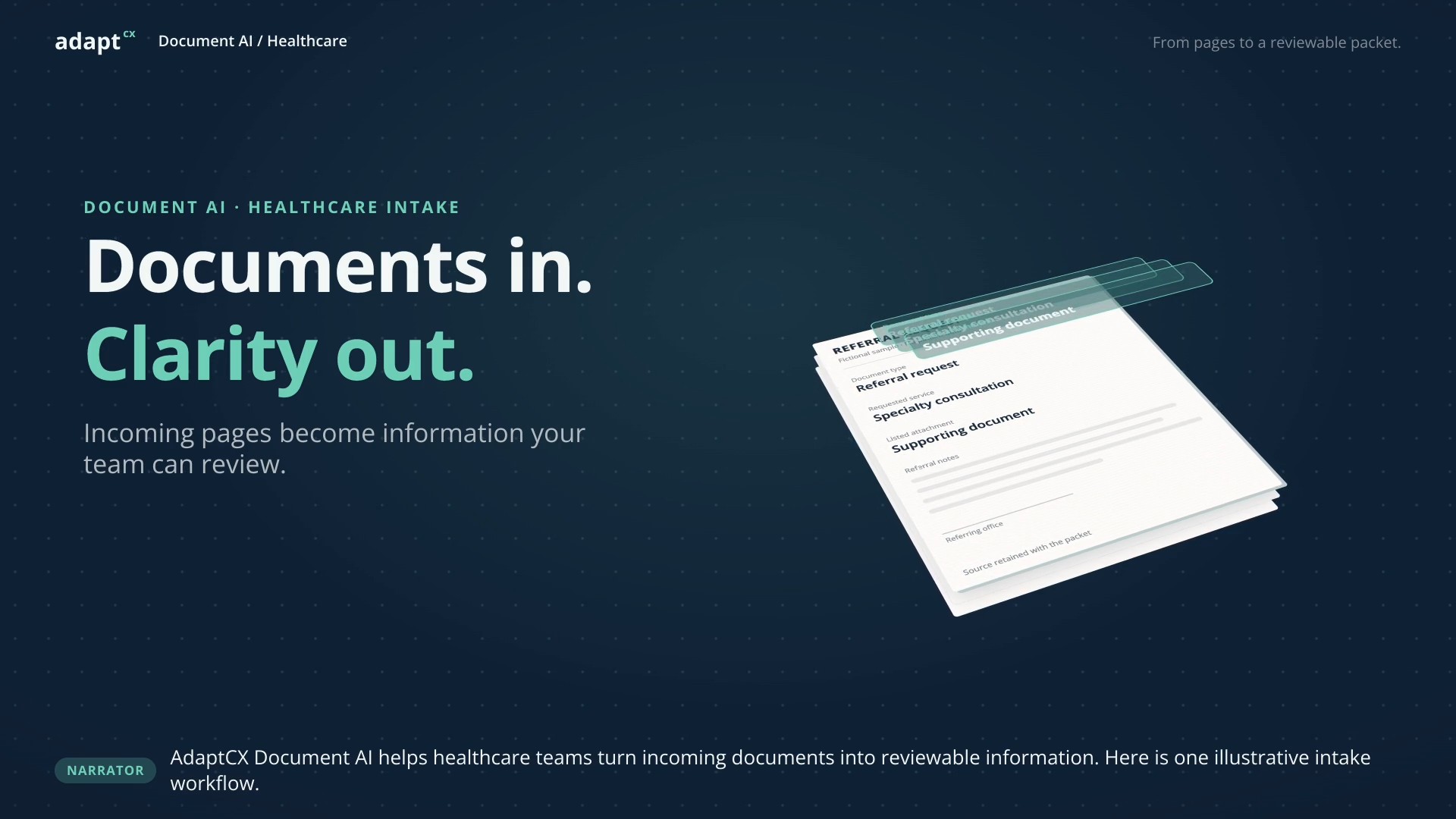
Narrator: AdaptCX Document AI helps healthcare teams turn incoming documents into reviewable information. Here is one illustrative intake workflow. Nina: A new referral packet. Let me check what is here. Narrator: The original document stays beside its extracted details. Nina checks the document type and requested service. Nina: The form lists an attachment, but that document is missing from this packet. Narrator: Nina marks the missing item for follow-up. Human review determines what happens next. Sam: Here is the missing attachment. Please add it to the packet. Nina: I have added it and checked the details against the originals. The intake review is complete. Narrator: The reviewed details and source documents are ready for the next step. Clinical decisions stay with the care team. Narrator: Receive documents. Extract details. Review exceptions. Prepare the handoff. AdaptCX Document AI for healthcare.

Documents in. Clarity out.

AI drafts. The officer decides.

A clear record. A human decision.

A narrated illustrative Digital Appeals workflow showing connected case records, hearing material and officer-reviewed decisions using fictional data.

Read the transcript

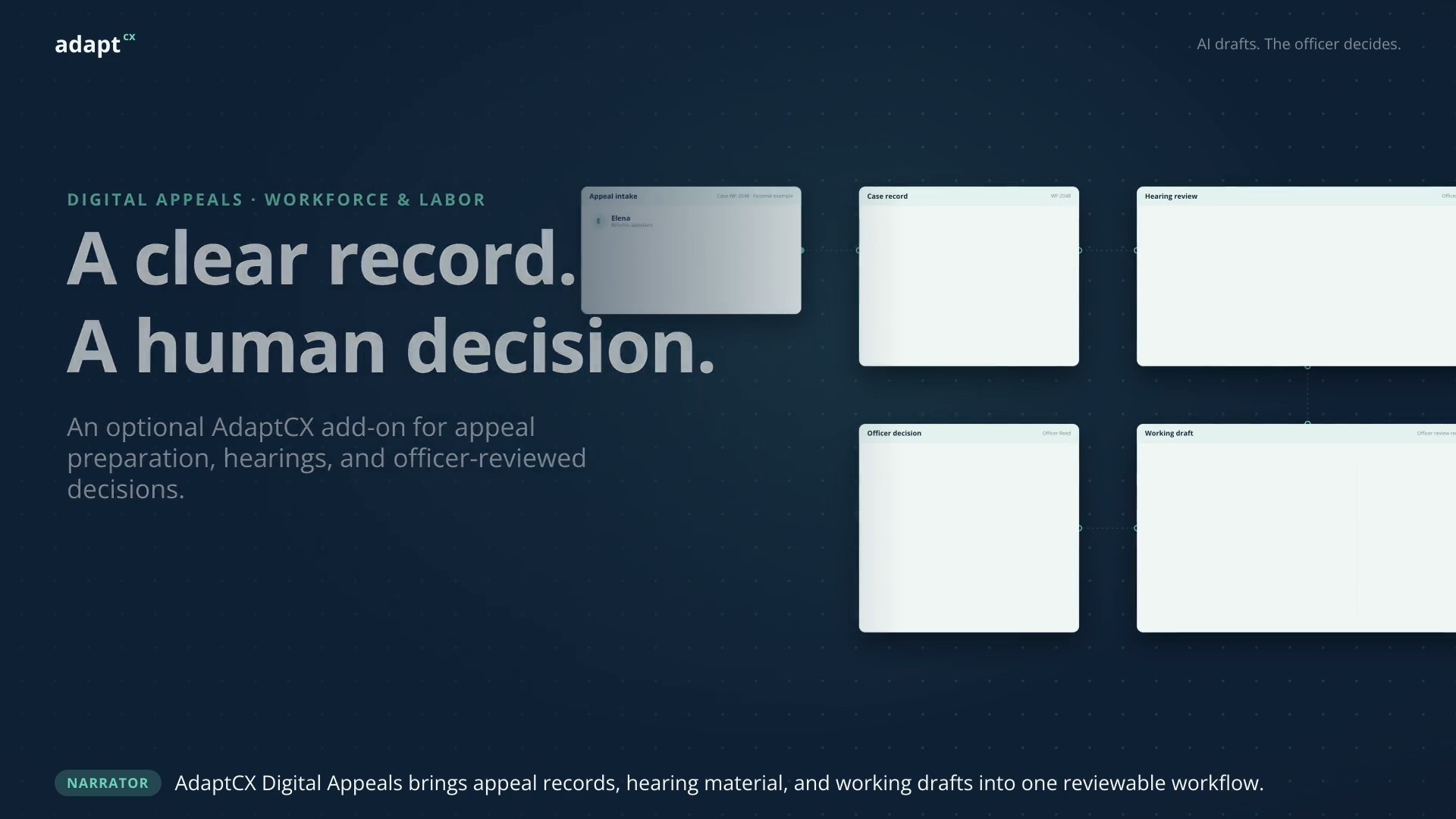
Narrator: AdaptCX Digital Appeals brings appeal records, hearing material, and working drafts into one reviewable workflow. Elena: I disagree with the date in my benefits determination. I have submitted a letter explaining why. Narrator: The case workspace keeps Elena’s determination, supporting exhibits, and hearing record together. Officer Reed: Let us open your letter and compare it with the hearing record. Narrator: The officer checks the source and resolves conflicting evidence. AI can assist the review, but does not decide the facts. Narrator: AI prepares a working draft. The hearing officer reviews the facts, reasoning, and citations, then edits the decision. Officer Reed: I have checked the record and completed my review. This decision reflects my findings. Narrator: The officer approves the decision. Digital Appeals supports the work. Human judgment stays in control. Narrator: AdaptCX Digital Appeals. An optional add-on for workforce and labor teams. From appeal record to officer-reviewed decision.

A clear record. A human decision.

A deployment your team can review.

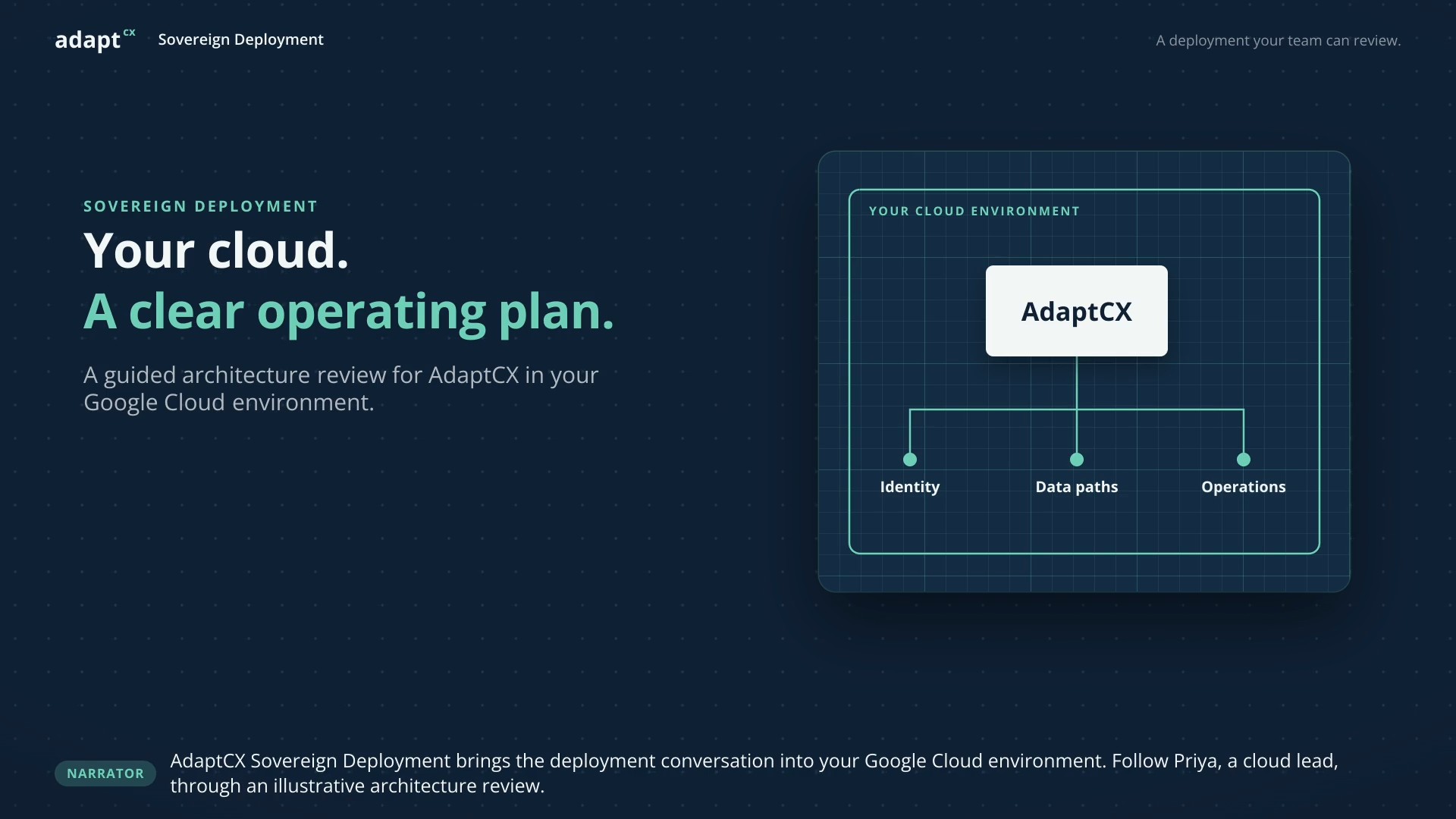
Your cloud. A clear operating plan.

A narrated illustrative architecture review covering application boundaries, data paths and operational responsibilities in a Google Cloud environment.

Read the transcript

Narrator: AdaptCX Sovereign Deployment brings the deployment conversation into your Google Cloud environment. Follow Priya, a cloud lead, through an illustrative architecture review. Priya: Before we deploy, I want to see where the application runs and who owns each part. Narrator: Start with the application boundary. Map AdaptCX and its supporting services, then trace the request from identity to application to data. Priya: Access needs clear ownership. We need named roles and permissions for staff, services, and operators. Narrator: Next, review every data path, including AI processing. A project boundary alone does not explain where every service operates. Priya: Let us document the processing locations, key ownership, and which team handles monitoring and recovery. Narrator: The operating plan connects each responsibility to an owner. Proposed changes are reviewed, and the teams agree a release window. Priya: Now we have a concrete design to review, with the open decisions clearly recorded before deployment. Narrator: Your environment. A defined boundary. Clear responsibilities. Explore AdaptCX Sovereign Deployment with your cloud team.

Your cloud. A clear operating plan.

Take a closer look

Let’s walk through a workflow that matters to your team.

Explore AdaptCX in a walkthrough using sample data. We’ll discuss your processes, review current capabilities and identify what needs testing before you consider an implementation.