Digital Appeals & Records

Organize hearings, appeals and their supporting records.

Keep hearing material, exhibits, research and working drafts connected. Give hearing officers the information they need to review the record and make the decision.

Illustrative concept.
Watch the walkthrough

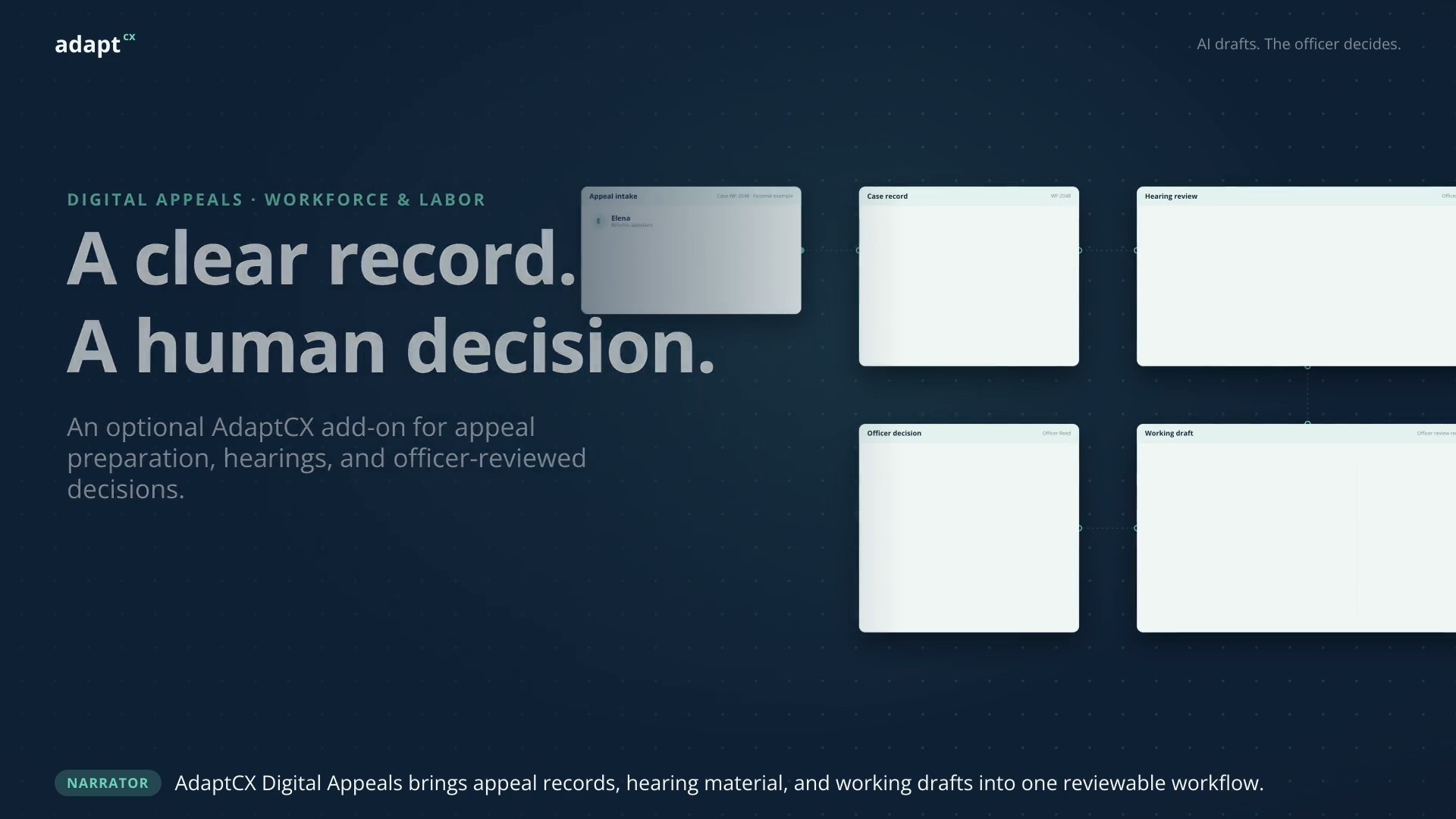
A clear record. A human decision.

A narrated illustrative Digital Appeals workflow showing connected case records, hearing material and officer-reviewed decisions using fictional data.
AI drafts. The officer decides.AI drafts. The officer decides.1:08 · Watch video

Watch video · 1:08

Read the transcript

Narrator: AdaptCX Digital Appeals brings appeal records, hearing material, and working drafts into one reviewable workflow. Elena: I disagree with the date in my benefits determination. I have submitted a letter explaining why. Narrator: The case workspace keeps Elena’s determination, supporting exhibits, and hearing record together. Officer Reed: Let us open your letter and compare it with the hearing record. Narrator: The officer checks the source and resolves conflicting evidence. AI can assist the review, but does not decide the facts. Narrator: AI prepares a working draft. The hearing officer reviews the facts, reasoning, and citations, then edits the decision. Officer Reed: I have checked the record and completed my review. This decision reflects my findings. Narrator: The officer approves the decision. Digital Appeals supports the work. Human judgment stays in control. Narrator: AdaptCX Digital Appeals. An optional add-on for workforce and labor teams. From appeal record to officer-reviewed decision.

A clear record. A human decision.

A narrated illustrative Digital Appeals workflow showing connected case records, hearing material and officer-reviewed decisions using fictional data.

A case, not a collection of files

Follow the evidence.
Then the reasoning.

Explore the path from the first exhibit to an officer-reviewed decision. The human decision stays at the center.

Case preparation

All the pieces. One record.

Bring exhibits and case files together before the hearing. Keep the source material close to the questions it raises.

A Decision notice Source documentB Supporting correspondence Source documentC Hearing testimony Recorded material
A mentor, never an auto-judge

The source matters
as much as the answer.

A suggested finding is only useful when the officer can inspect what supports it. Keep policy citations, passages of testimony and exhibits within the review.

Explore Digital Appeals & Records →
A review worth making

Two passages.
One question for the officer.

TESTIMONY

“I sent the information requested.”

CORRESPONDENCE

A record of what was received and when.

AI surfaces a possible conflict.
The officer resolves it.

Illustrative review scenario

From hearing room to record

Keep the trail intact.

Prepare in your office’s format.

Working findings, legal conclusions and orders follow the disposition type. The officer reviews, changes and approves the decision before it becomes final.

Leave a record reviewers can inspect.

Keep the case material and review history together. Include access, retention and export requirements in the discussion of your hearing process.

Product development

Experience behind it.
A careful next step.

AdaptCX builds on an earlier, smaller version. The expanded platform has not yet been deployed in full at a customer site.

Read what’s proven and what’s new →
Who makes the final decision?

The hearing officer. AI helps organize evidence, surface material and prepare a working draft. Authorized reviewers remain responsible for findings, legal reasoning and approval.

What should we use in a walkthrough?

A representative case pattern, its exhibits, your decision format and the review process. Use redacted or synthetic material initially, and agree a secure exchange before sharing sensitive records.

How does it fit our records environment?

Review the intake sources, records-system connection, hearing capture, export, retention and legal-hold requirements together. Those details determine the implementation scope.
Product videos

Explore more product videos.

Every appeal, from packet to decision.

Every appeal, from packet to decision.

An illustrative appeals workflow covering intake, case preparation, hearing support and an officer-reviewed decision.

Read the transcript

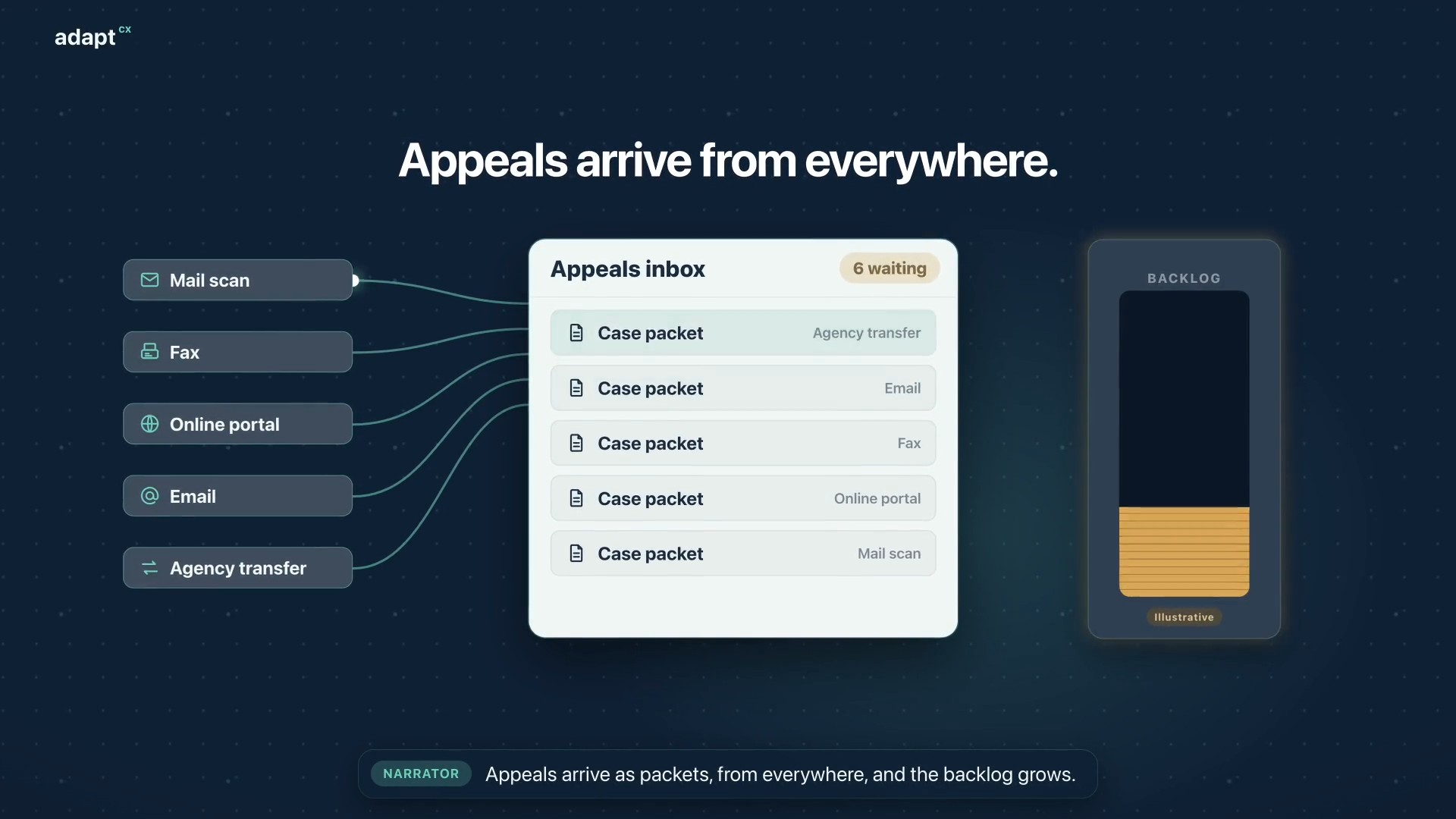
Narrator: Appeals arrive as packets, from everywhere, and the backlog grows. Narrator: At intake, AI analysis builds a summary, flags missing documents and red flags, and sets the case type. Narrator: Then it creates the appeal case, and assigns the best available officer. Narrator: The officer reviews everything before the hearing begins. Narrator: Participants dial in, or the officer calls each one. The oath is administered, and they join the hearing. Narrator: During the hearing, the officer gets a live transcript, Assist, and Mentor, surfacing the statutes and limitations that apply. Narrator: Afterward, the officer reviews the summary and the AI draft, then accepts, changes, or rejects it. The decision is the officer’s. Narrator: Faster decisions. A smaller backlog. Narrator: AdaptCX Digital Appeals. Every appeal, from packet to decision.

Every appeal, from packet to decision.

One engine, every engagement.

One engine, every engagement.

An illustrative benefits-appeal scenario showing how the AI Engagement Hub connects context, approved knowledge, staff guidance and human review.

Read the transcript

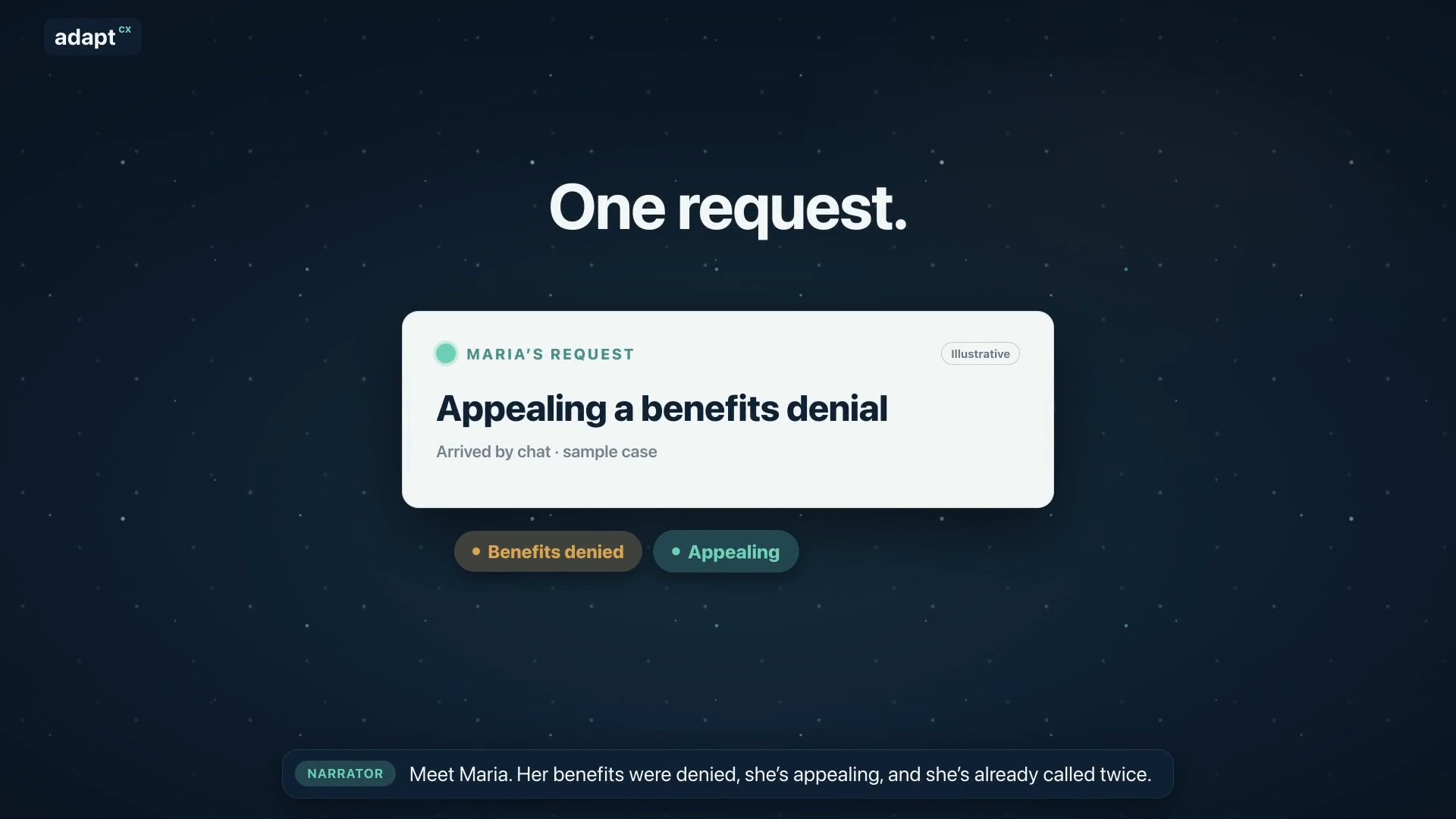
Narrator: Meet Maria. Her benefits were denied, she’s appealing, and she’s already called twice. Narrator: Usually, her request bounces between separate tools. AdaptCX runs it through one engine: the AI Engagement Hub. Narrator: First, it gets her request to the right team. Narrator: It remembers her whole story, from her claim to today’s chat. Narrator: Maria is frustrated, so it reminds the agent: listen first, then explain. Narrator: It finds the exact rule that applies, with the source. Narrator: It spots that her deadline is close, and flags it for staff. Narrator: It notices she’s called three times this week, a sign to follow up. Narrator: It helps supervisors see when the team is stretched. Narrator: Answers that work become guides your experts approve. Narrator: And when many people call about the same letter, it shows where to look. Narrator: One login. One audit trail. One record. Nine capabilities, one system. Narrator: AdaptCX AI Engagement Hub. One engine, every engagement.

One engine, every engagement.

Assist setup: Five steps to smarter agents.

Assist setup: Five steps to smarter agents.

An illustrative setup walkthrough covering a knowledge collection, source indexing, scheduled refresh and queue connections for Assist.

Read the transcript

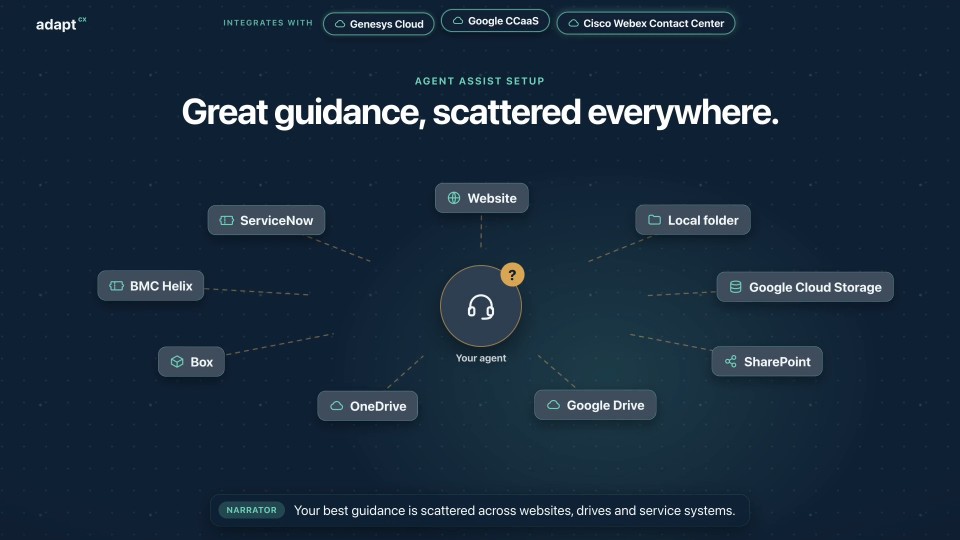
Narrator: Your best guidance is scattered across websites, drives and service systems. Narrator: Step one. In the Operations portal, create a knowledge collection. Narrator: Step two. Add sources: web pages, files, cloud storage, and the systems your teams already use. Narrator: Step three. Index them. Narrator: Step four. Schedule a refresh, so answers stay current. Narrator: Step five. In the Assist portal, connect it to your queues, or to all of them. Narrator: That's it. Calls and chats routed to your agents now get guidance and coaching from your collection. Narrator: AdaptCX Assist. Set up once. Helpful on every call.

Assist setup: Five steps to smarter agents.

Watch more

See it in action

Keep the record close and the decision with the officer.

Tell us how your hearings run today, and we’ll walk a sample case from filing to signed decision.