Product · Fax AI

Turn incoming faxes into work your team can act on.

Identify incoming fax documents, extract the details your team needs and route them for review. Keep the original fax and its routing history together.

Illustrative concept.
Watch the walkthrough

Incoming fax. Useful next step.

A narrated illustrative workflow showing incoming fax capture, field extraction, human review and configured routing with sample data.
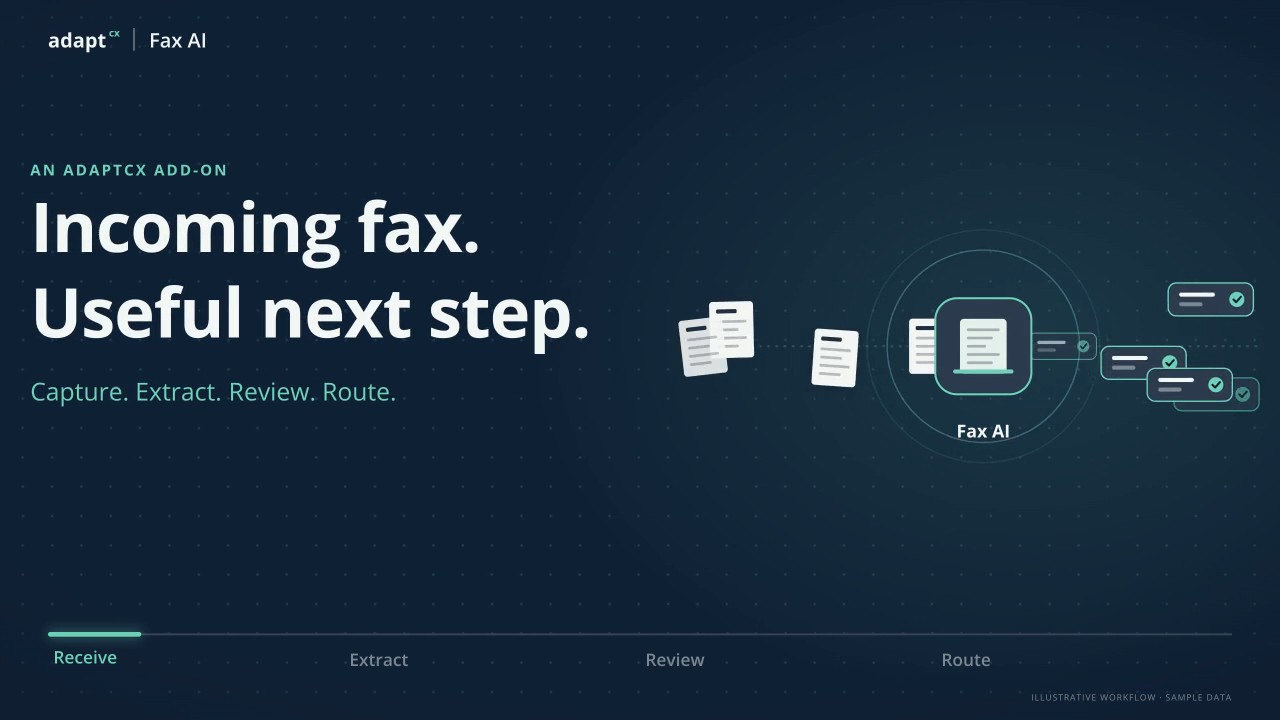
Capture. Extract. Review. Route.Capture. Extract. Review. Route.39 seconds · Watch video

Watch video · 39 seconds

Read the transcript

Narrator: AdaptCX Fax AI turns incoming faxes into information your team can review and route. Narrator: Keep the original fax and its intake details together. Narrator: Identify the document. Narrator: Extract the fields your team needs. Narrator: Unclear information gets a closer look. Narrator: A person checks the source. Narrator: Then configured routing rules send the reviewed record to the right queue, with its original fax and routing history. Narrator: Less rekeying. Narrator: Clearer handoffs. Narrator: That is AdaptCX Fax AI.

Incoming fax. Useful next step.

A narrated illustrative workflow showing incoming fax capture, field extraction, human review and configured routing with sample data.

Built around the intake task.ReceiveIdentifyReviewRoute
Follow the document

From a scanned page
to somebody’s next task.

Watch the source, the information and the review stay connected. See the points where a person needs to review the record.

Original fax · illustrative example
REQUEST FOR APPEAL

I would like my case reviewed.

CASE REFERENCEAP-2486
SIGNATUREJ. M—
Source stays attached throughout
Fax received

The original comes first.

The scanned pages arrive together. The source document stays attached as the work moves forward.

Incoming faxAppeal correspondence3 pages · Original retained
Not just a scan in another inbox

Less sorting.
More useful handoffs.

Keep exceptions visible.

Crooked pages, handwritten fields and missing signatures need attention. Put uncertain information beside the source instead of burying it in a completed record.

Close the loop with faxback.

A complete intake process also needs a response path. Include outbound documents and delivery receipts when discussing the workflow your team needs.

Before the demo

Your hardest fax
is the useful test.

Use a real intake pattern, with sensitive information removed. The messy pages tell you more than a perfect sample.

Watch the existing 36-second concept video →
What happens when a field cannot be read?

Uncertain fields are flagged for review against the original fax. The review and routing rules are configured for your document types and intake process.

Where does the information go?

Into the record or queue connected for your implementation. The evaluation should cover field mapping, routing rules and how the original document stays attached.

Is this the same as Document AI?

Fax AI handles the fax intake and delivery workflow. Document AI extends intelligent document processing across forms, PDFs and other incoming channels. Explore Document AI →
Product videos

Explore more product videos.

Every page, to the right place.

Every page, to the right place.

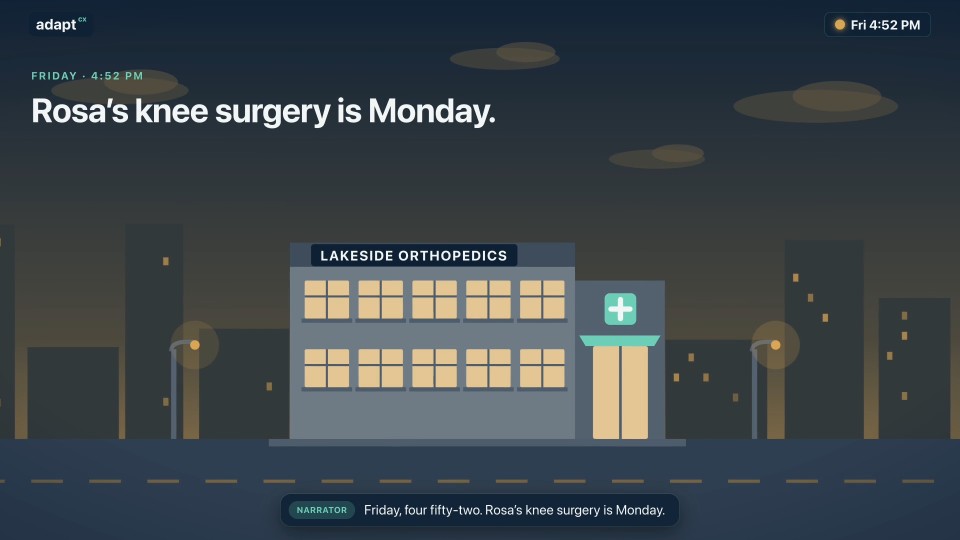
An illustrative prior-authorization fax scenario, with source review and configured routing to a clinical queue.

Read the transcript

Narrator: Friday, four fifty-two. Rosa's knee surgery is Monday. Narrator: Her clinic faxes the prior authorization to her health plan. Narrator: Eleven pages. One crooked. A member ID written by hand. Narrator: On a Friday, it sits in the pile until Tuesday. Narrator: Meet AdaptCX Fax AI. Narrator: It identifies the document, and extracts the fields your team needs. Narrator: The handwritten member ID isn't clear, so it's flagged beside the original page. Narrator: Nurse reviewer Priya checks the source, and confirms it. Narrator: Routing rules send it to urgent clinical review, with the original fax and its history attached. Narrator: And a faxback tells the clinic it arrived. Narrator: Saturday, the clinical team reviews it. Monday morning, Rosa's surgery goes ahead. Narrator: Less rekeying. Clearer handoffs. Nothing lost in the pile. Narrator: AdaptCX Fax AI. Every page, to the right place.

Every page, to the right place.

One engine, every engagement.

One engine, every engagement.

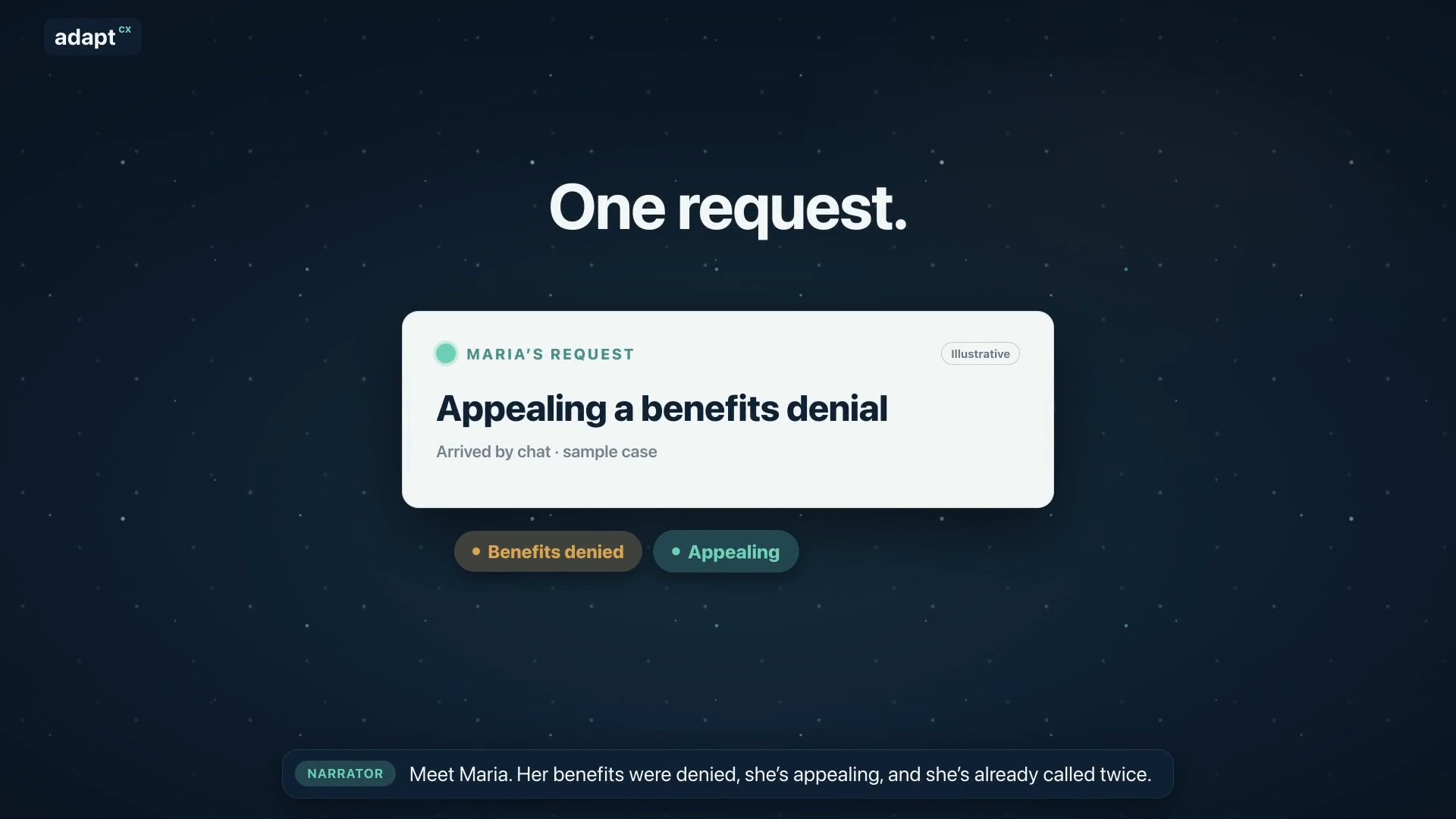
An illustrative benefits-appeal scenario showing how the AI Engagement Hub connects context, approved knowledge, staff guidance and human review.

Read the transcript

Narrator: Meet Maria. Her benefits were denied, she’s appealing, and she’s already called twice. Narrator: Usually, her request bounces between separate tools. AdaptCX runs it through one engine: the AI Engagement Hub. Narrator: First, it gets her request to the right team. Narrator: It remembers her whole story, from her claim to today’s chat. Narrator: Maria is frustrated, so it reminds the agent: listen first, then explain. Narrator: It finds the exact rule that applies, with the source. Narrator: It spots that her deadline is close, and flags it for staff. Narrator: It notices she’s called three times this week, a sign to follow up. Narrator: It helps supervisors see when the team is stretched. Narrator: Answers that work become guides your experts approve. Narrator: And when many people call about the same letter, it shows where to look. Narrator: One login. One audit trail. One record. Nine capabilities, one system. Narrator: AdaptCX AI Engagement Hub. One engine, every engagement.

One engine, every engagement.

Every appeal, from packet to decision.

Every appeal, from packet to decision.

An illustrative appeals workflow covering intake, case preparation, hearing support and an officer-reviewed decision.

Read the transcript

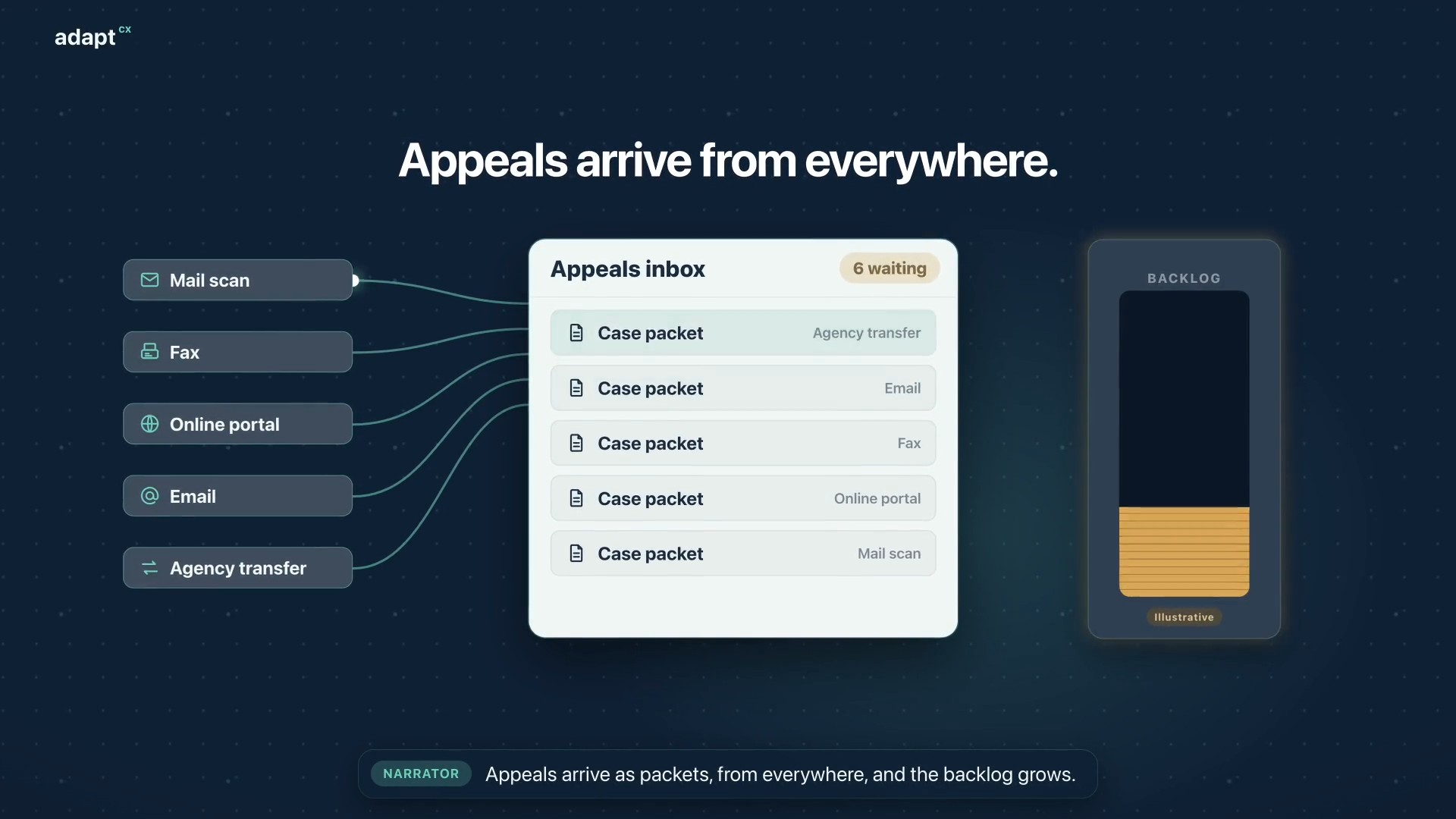
Narrator: Appeals arrive as packets, from everywhere, and the backlog grows. Narrator: At intake, AI analysis builds a summary, flags missing documents and red flags, and sets the case type. Narrator: Then it creates the appeal case, and assigns the best available officer. Narrator: The officer reviews everything before the hearing begins. Narrator: Participants dial in, or the officer calls each one. The oath is administered, and they join the hearing. Narrator: During the hearing, the officer gets a live transcript, Assist, and Mentor, surfacing the statutes and limitations that apply. Narrator: Afterward, the officer reviews the summary and the AI draft, then accepts, changes, or rejects it. The decision is the officer’s. Narrator: Faster decisions. A smaller backlog. Narrator: AdaptCX Digital Appeals. Every appeal, from packet to decision.

Every appeal, from packet to decision.

Watch more

See it in action

What’s your messiest fax?

Handwritten, crooked, no cover sheet. Describe it and let’s look at how a fax like it gets sorted, read and routed, and where a person steps in.